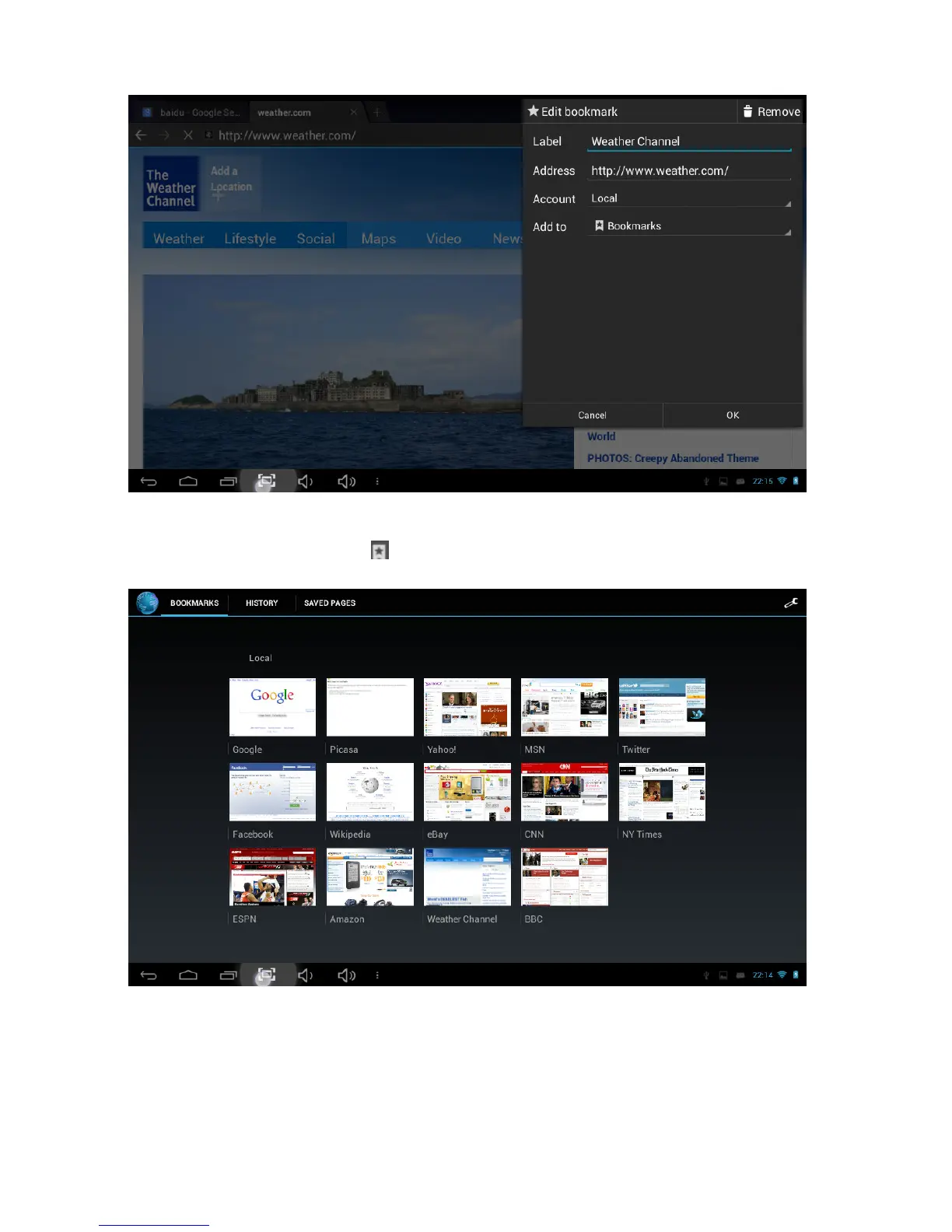
(2) Opening a bookmarked site
While in the browser, click the “ ” icon to open the bookmarks menu. Tap the desired
link to open the web page.
(3) Editing a bookmark
In the bookmarks menu, press and hold any bookmark. The following menu will appear.
Select “Edit bookmark” to make changes.



 To Next Page