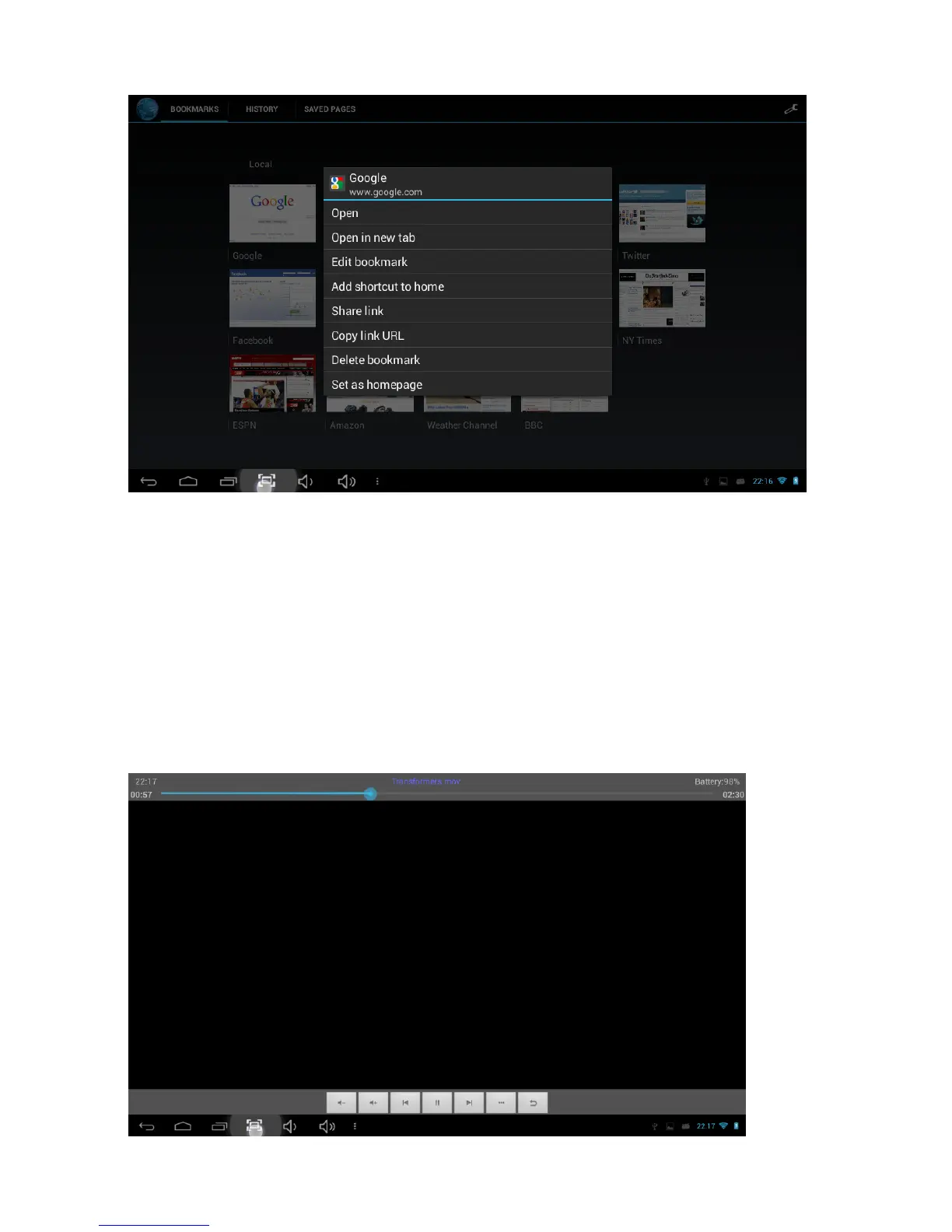
Using the web browser:
(1) To scroll, touch the screen and drag the page. Be careful not to tap on a link unless
you wish to visit it!
(2) To open a link, simply tap it
(3) To go back to the previous page, tap the Back icon
(4) To display the available menu items, tap the Menu icon
(5) To go back directly to the Home screen, tap the Home icon
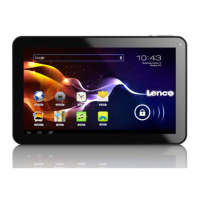
Watch a video
Select the video player icon to open the video interface:



 To Next Page