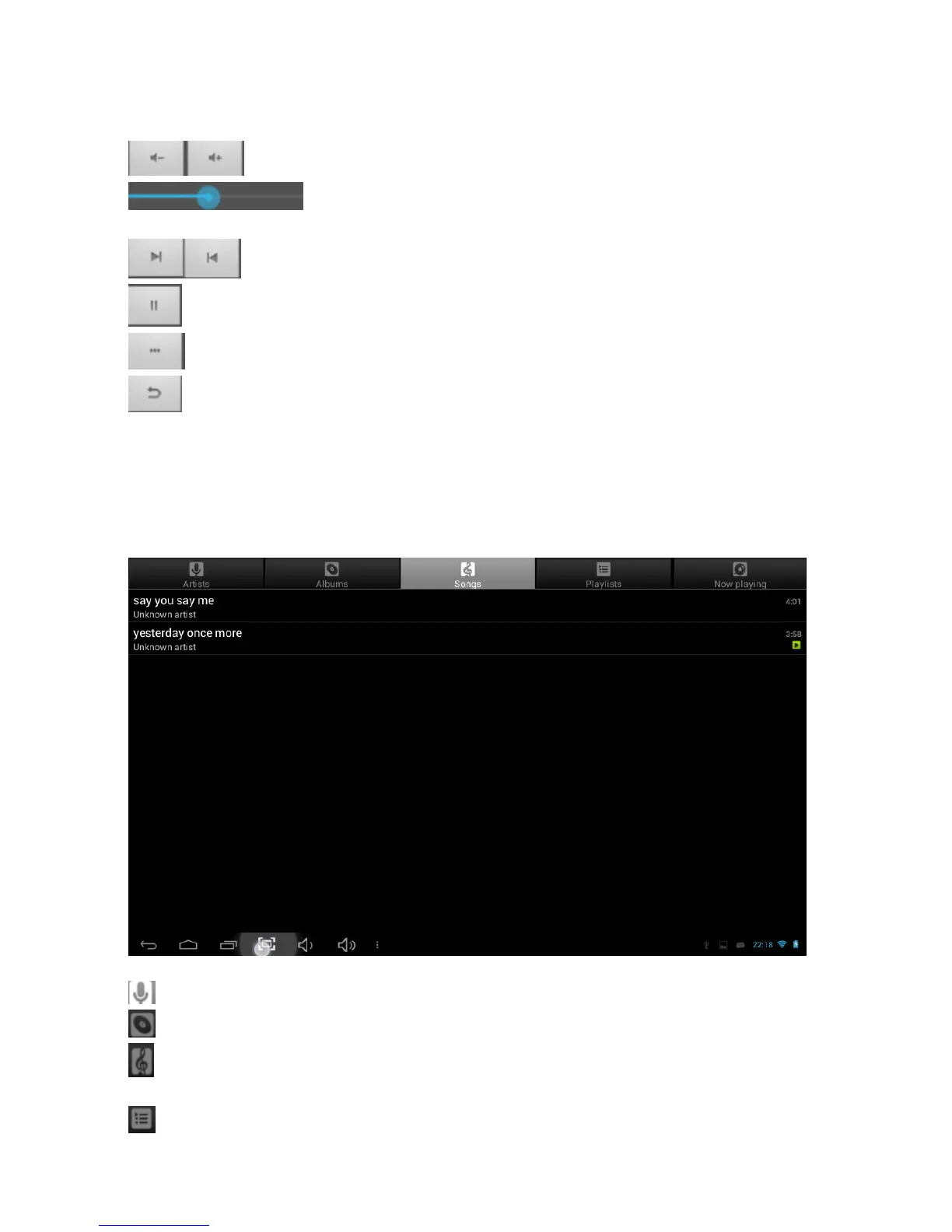
The icons in the toolbar above are all of the video playback actions:
: Press to increase or decrease the volume.
: Displays playback time or allows you to move to a specific point
in the video.
: Select last/next video, reverse or forward in the current video.
: Play/Pause video
: Video settings
: Return to the previous menu
Listen to music
Select the music player icon to open the music interface:
: Press to sort songs by artist
: Press to sort the songs by album
: Press to display all audio files on the screen
: Press to check play list



 To Next Page