: Press to check the music is playing
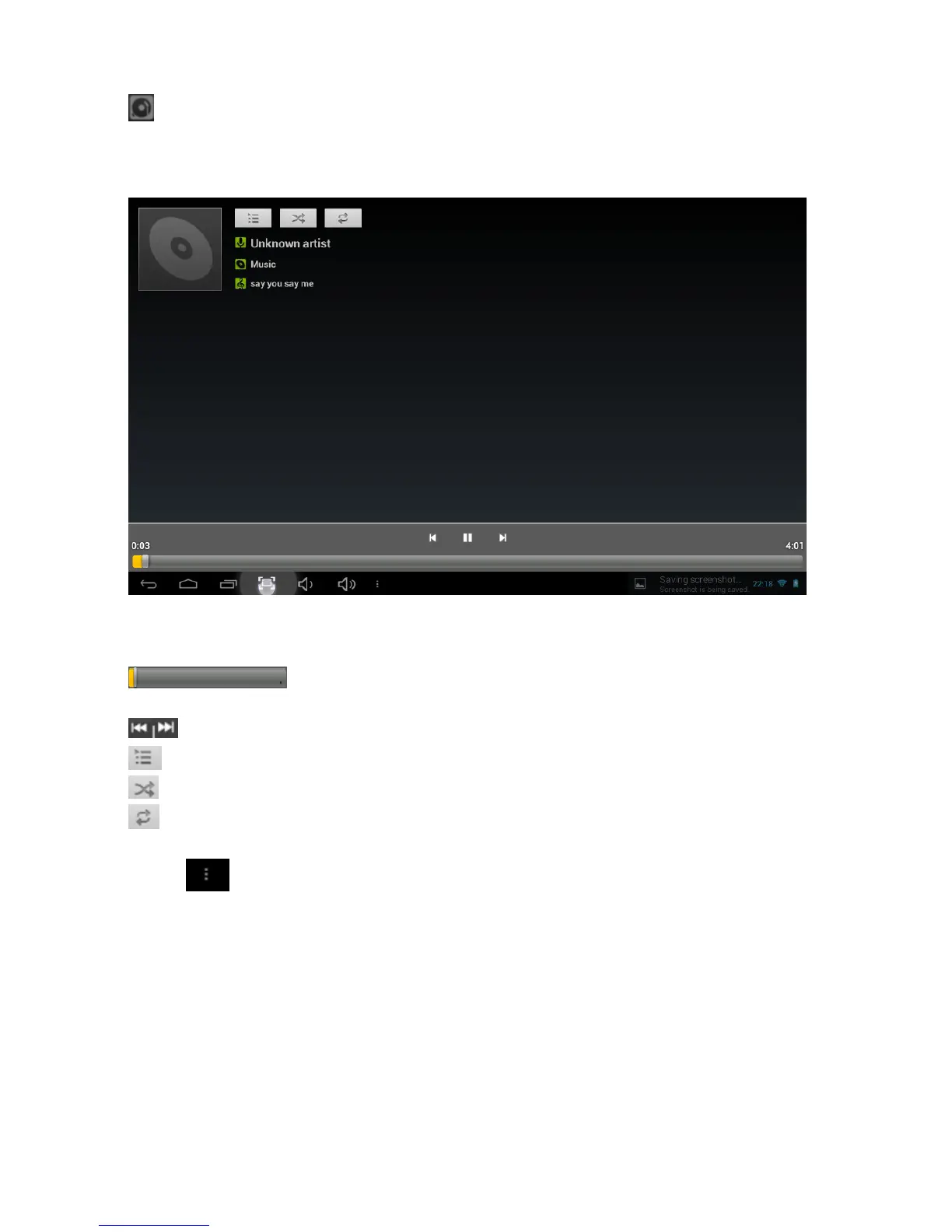
Touch the song name to go below interface.
The icons in the toolbar above are the audio playback functions:
: To visualize the playback time or to move to a specific point of the
audio file.
:Select previous/next song, move back or forward in the file;
: Press to display a list of audio files
: Press to turn shuffle on/off
: Press to set the repeat mode: repeat all, repeat one or deactivate
Touch to check more functions as below:



 To Next Page