12
Photo viewer mode
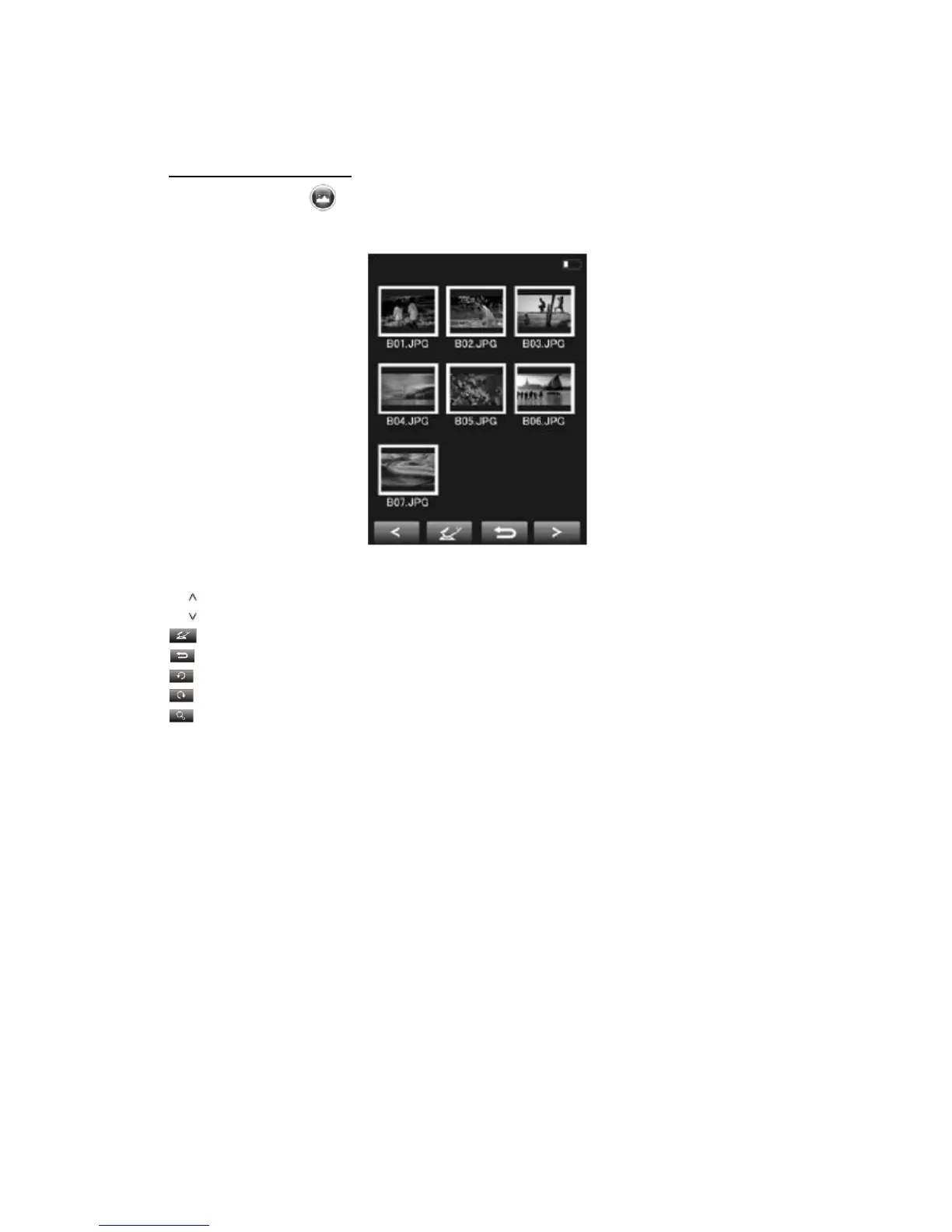
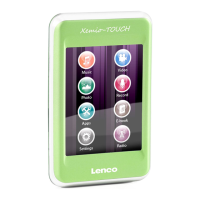
Touch the “photo ” icon on the screen. You will now enter the photo viewer
mode. Select the desired photo you wish to view as you can see below. Once
selected the unit will automatically show the selected file.
Display symbol index in photo viewer mode
</ Previous photo or file
>/ Next photo or file
Enter
Return to previous screen
Rotate 90° left
Rotate 90° right
Zoom in / out


 To Next Page