Apps mode
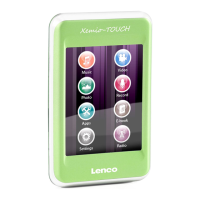
Touch the “apps ” icon on the screen. You will now enter apps mode.
Display symbols in apps mode
</> select next or previous app / folder / file
Enter
Return to previous screen
Delete selected file
Operation explorer app
When opened explorer mode a list of all files and folders will be displayed.
Double click on a file to open / play it.
To delete a file, select the file and press . Now the delete sub-menu will be
opened. Press “delete file” to delete or exit to keep the file.
Operation Stopwatch app
</> have in this mode no function.
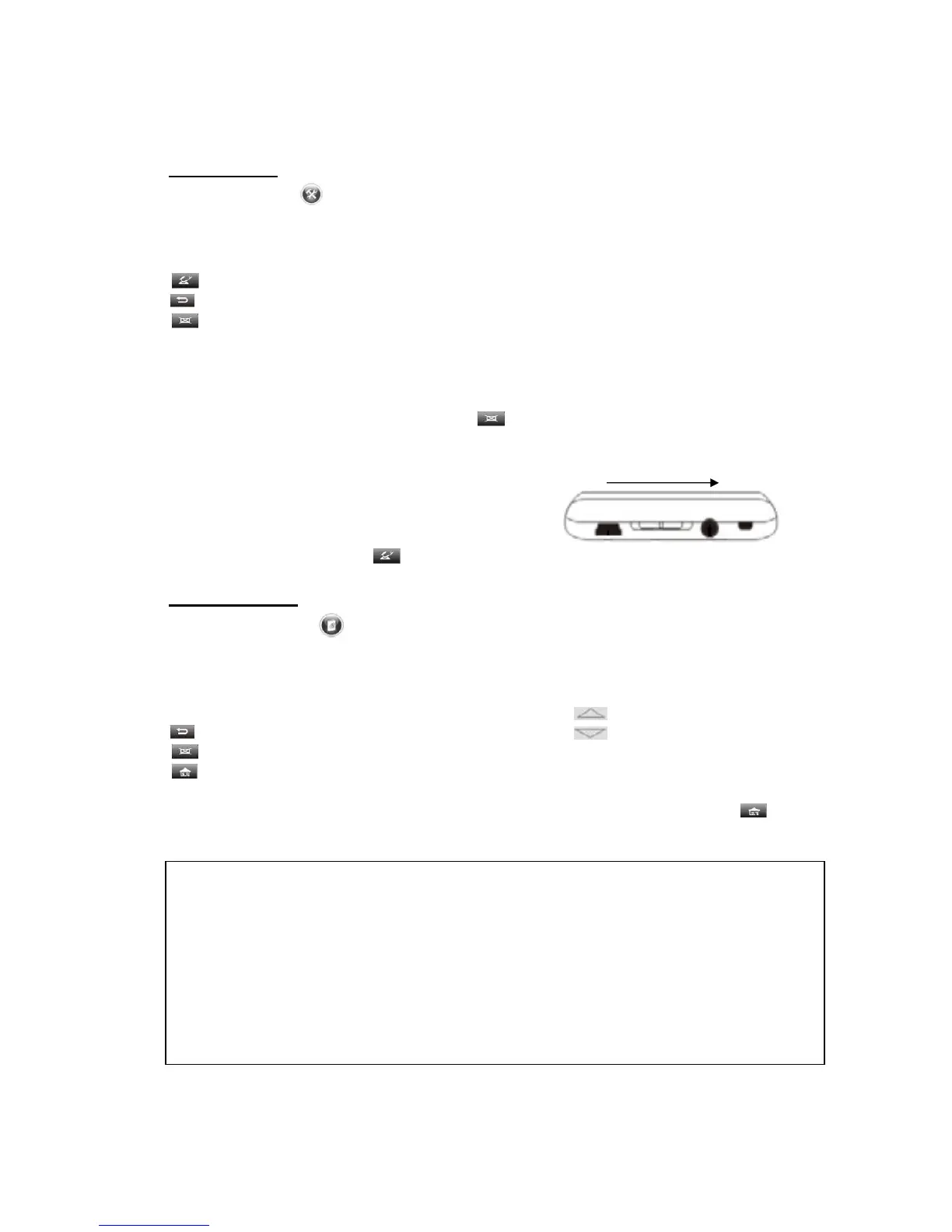
When opened the Stopwatch mode slide the
ON/OFF/HOLD switch in the ON/OFF direction to
start the stopwatch. Press to reset the stopwatch.
E-Book mode
Touch the “E-Book ” icon on the screen. You will now enter E-book mode.
Note: This unit can only read .txt and .lrc files
Display symbols in E-book mode
</> select next or previous folder / file / page Up
Return to previous screen Down
Delete selected file
Pull-down menu
Double click on a file or folder to open it. Use < / > to turn the pages. Press
to open the pull-down menu. Here you can set the following:
Page jump:
• Insert the page number where you wish to jump to.
Save mark:
• Choose a empty slot to save the bookmark (current file and page).
Load mark:
• Select a saved bookmark to open it.
Del mark:
• Delete a saved bookmark.
Set font:
• Select the size of the text, small / middle / big.
Start / stop


 To Next Page