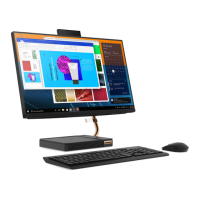
6. Internal speakers Enable you to experience high-quality sound.
7. Wireless charging indicator*
The indicator shows the charging status of a phone that supports wireless
charging.
• Blinking white: The phone is being charged.
• Solid white: The phone is fully charged.
• Blinking amber: Charging error occurs.
• Off: No compatible phone is detected.
Note: For some phones, the indicator might still blink white when the phone is
fully charged.
* optional
2
IdeaCentre A540 Series User Guide



 To Next Page
 Loading...