Chapter 2. Get started with your computer
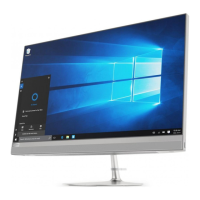
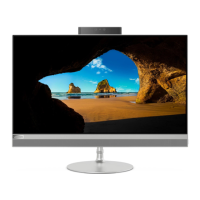
Adjust the computer stand
Note: For information about installing the computer stand, refer to the setup guide that comes with your
computer.
Tilt the screen forward and back.
Get started with Windows 10
Learn the basics of Windows 10 and start working with it right away. For more information about Windows
10, see the Windows help information.
Windows account
A user account is required to use the Windows operating system. It can either be a Windows user account or
a Microsoft account.
Windows user account
When you start Windows for the first time, you are prompted to create a Windows user account. This first
account you created is of the “Administrator” type. With an Administrator account, you can create additional
user accounts or change account types by doing the following:
1. Open the Start menu and select Settings ➙ Accounts ➙ Family & other users.
2. Follow the on-screen instructions.
© Copyright Lenovo 2020 7


 To Next Page
 Loading...