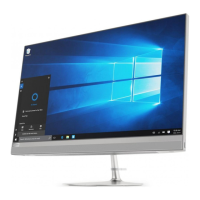
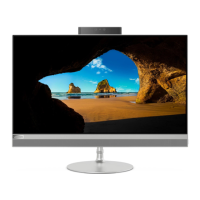
Left
1. USB 3.1 connector
Connect USB-compatible devices, such as a USB keyboard, USB mouse, USB
storage device, or USB printer.
USB 3.1 connector Gen 1: IdeaCentre AIO 3 22ADA05/IdeaCentre AIO 3
22IMB05/IdeaCentre AIO 3 24IMB05/IdeaCentre AIO 3 27IMB05
USB 3.1 connector Gen 2: IdeaCentre AIO 3 24ARE05
2. 3 in 1 SD card slot
Supported cards:
1. Secure Digital (SD) card
2. Secure Digital eXtended-Capacity (SDXC) USH-1 card
3. Secure Digital High-Capacity (SDHC) USH-1 card
Note: Your computer does not support the content protection for recordable
media (CPRM) feature for the SD card. See “Use a media card” on page 16.
3. Combo audio jack
Connect headphones or headsets with a 3.5-mm (0.14-inch), 4-pole plug.
Note: This jack does not support standalone external microphones. If you use
headsets, choose one with a single plug.
Chapter 1. Meet your computer 3


 To Next Page
 Loading...