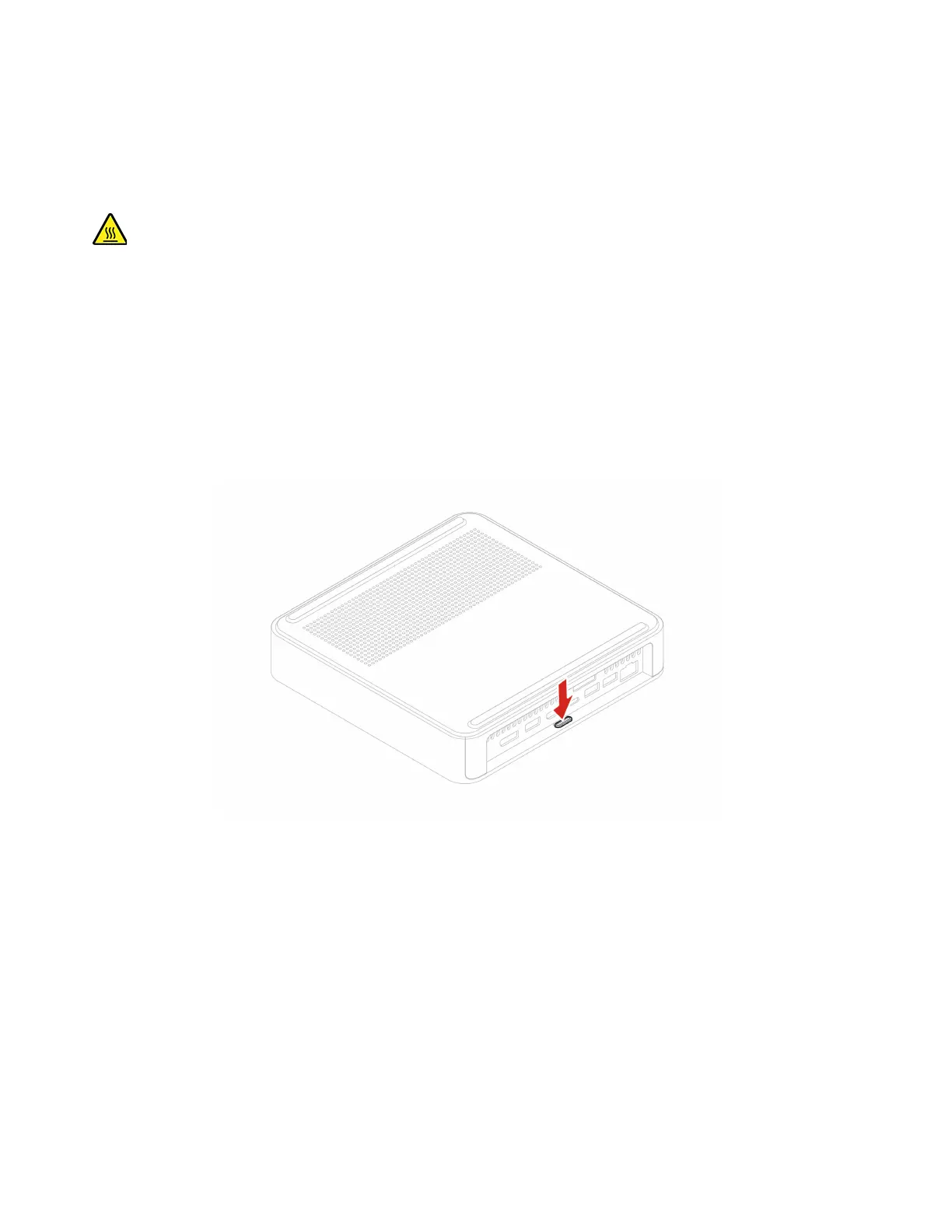
Computer cover
Prerequisite
Before you start, read Generic Safety and Compliance Notices, and print the following instructions.
Before you open the computer cover, turn off the computer and wait several minutes until the computer is
cool.
For access, do the following:
1. Turn off the computer and remove all connected devices and cables.
2. Place a soft, clean towel or cloth on the desk or surface. Hold the sides of your computer and gently lay
it down so that the computer cover is facing up.
3. Remove the computer stand. See “Computer stand” on page 12.
Removal procedure
14 IdeaCentre Mini User Guide











 To Next Page