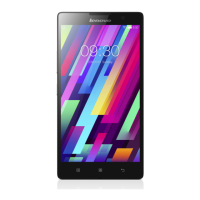
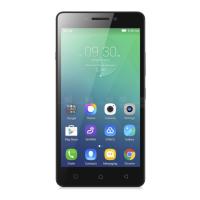
Home button: Tap to return to the default home screen.
Back button: Tap to return to the previous page or exit the current app.
Home screen
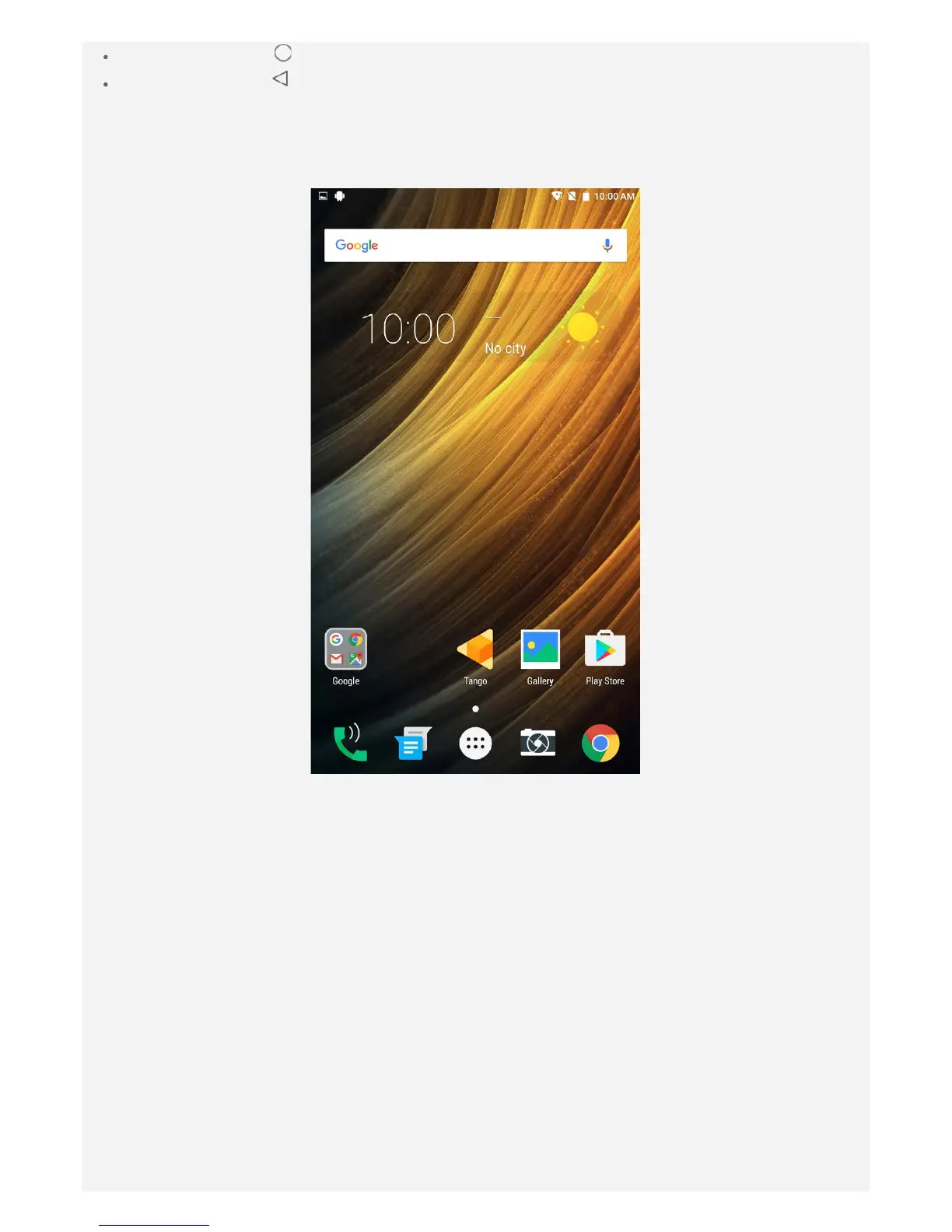
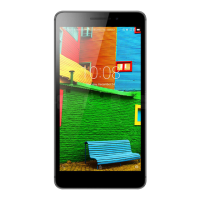
The home screen is the starting point for using your device. For your convenience, the home
screen is already set up with some useful apps and widgets.
Note: Your device's features and the home screen may be different depending on your
location, language, carrier, and model.
Customizing home screens in edit mode
Press and hold anywhere on the home screen except the icons to enter edit mode. Tap the
back button to exit edit mode.


 To Next Page