button again to display the locked screen, and then swipe up from the bottom of the screen to
unlock.
Note: Swipe is the default screen unlocking method. To change your screen lock, see
Settings.
Notifications and Quick Settings
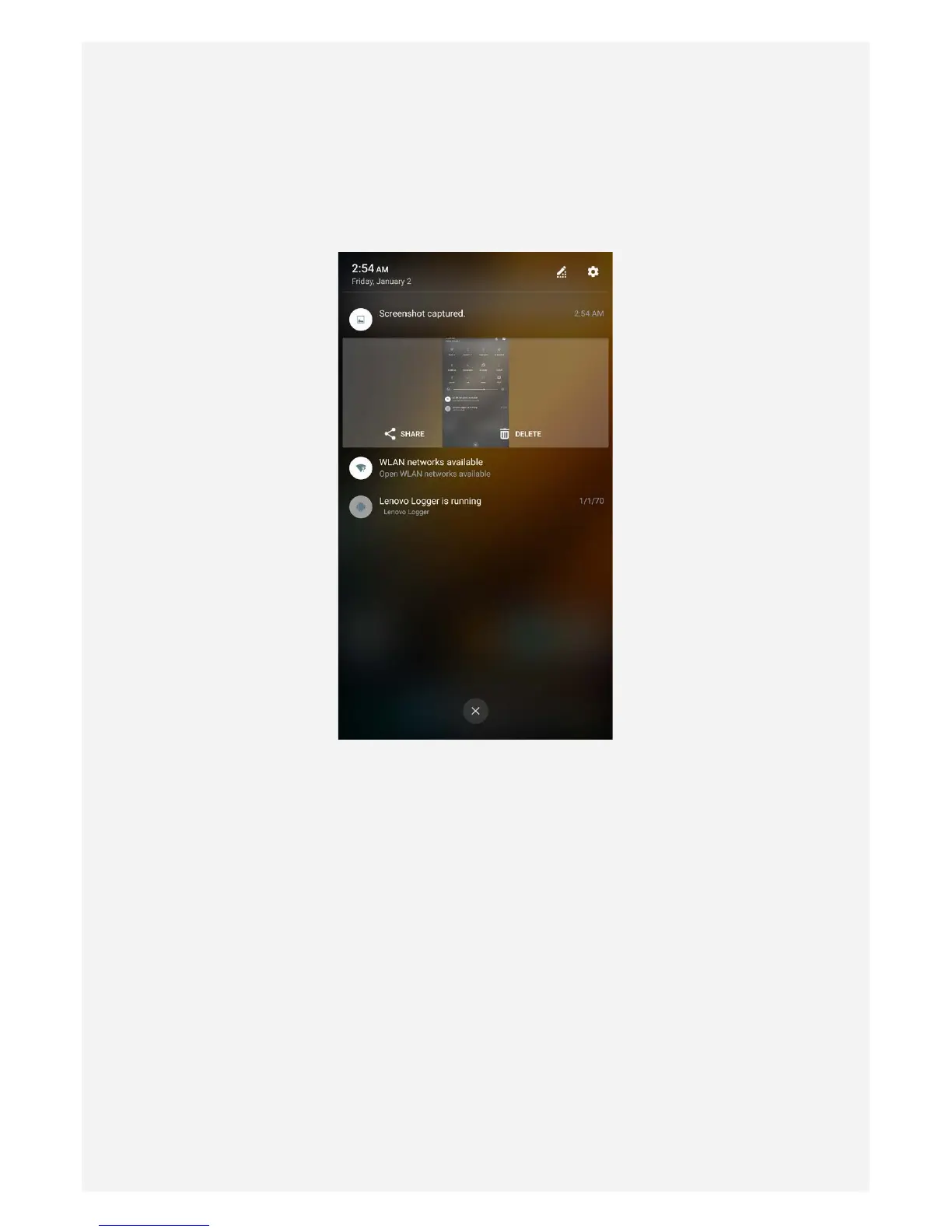
The Notification panel (see Figure 1: Notification) informs you of missed calls, new messages,
and activities in progress such as file downloading. The Quick Settings panel (see Figure 2:
Quick Settings) allows you to access frequently-used settings such as the WLAN switch.
Figure 1: Notification


 To Next Page