1. Press and hold the app that you want to uninstall.
2. Drag to , and then release and tap OK.
Note: Some of the system apps cannot be uninstalled.
Find apps
Swipe up from the bottom of your screen to the top.
View recent apps
Swipe up from the bottom of your screen and hold the screen.
Swipe left or right to switch to the app you want to open.
Swipe an app window up to close it.
Tap CLEAR ALL to stop running all the apps.
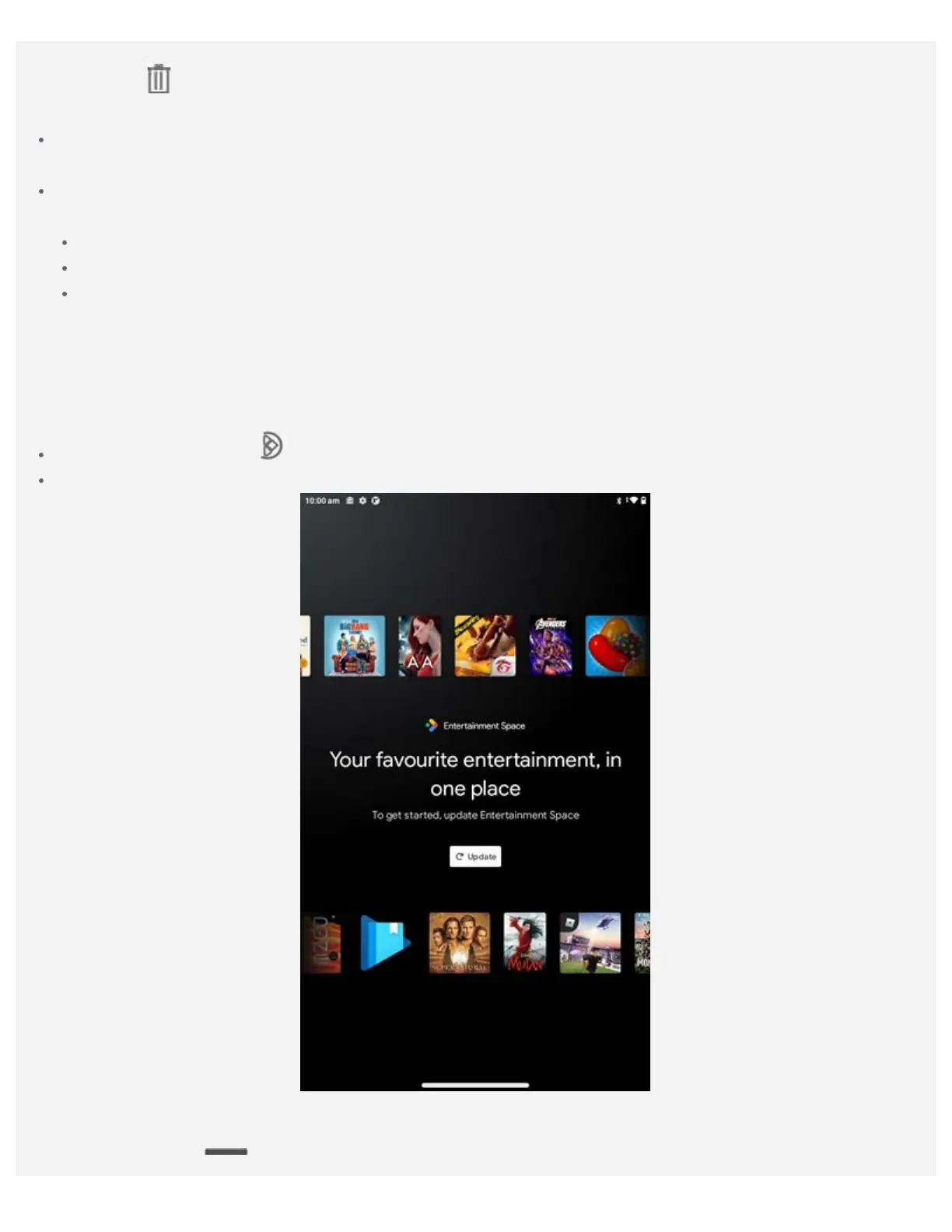
Entertainment space
Entertainment Space is a content-forward tablet launcher experience that showcases games, books,
movies, TV, podcasts, audiobooks, music, and news.
You can enter and exit the entertainment space:
Tapping the Peeky Tab in home screen or swipe right in the leftthe screen.
Swipe from the either the left edge or swipe left in the rightthe screen.
Screen buttons
There is one button at the bottom of the screen.




 To Next Page