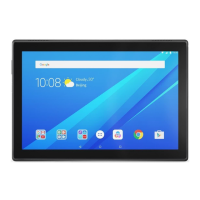
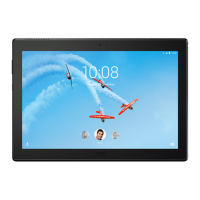
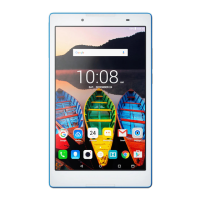
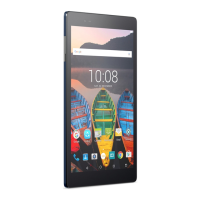
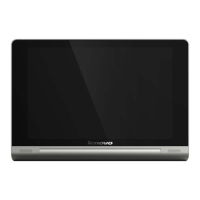
Press and hold the Power button and the Volume down button at the same time.
Viewing pictures and videos
Photos and videos are stored in your device's internal storage.You can view your photos and
videos by using the following methods:
Tap the thumbnail when using the Camera app.
Go to Photos.
Go to File Manager.
The screenshots are stored in your device's internal storage. You can view your screenshots
by using the following methods:
Go to Photos.
Go to File Manager.


 To Next Page