Fingerprint
Different users can set fingerprints to unlock the tablet or switch to their own user interface
quickly.
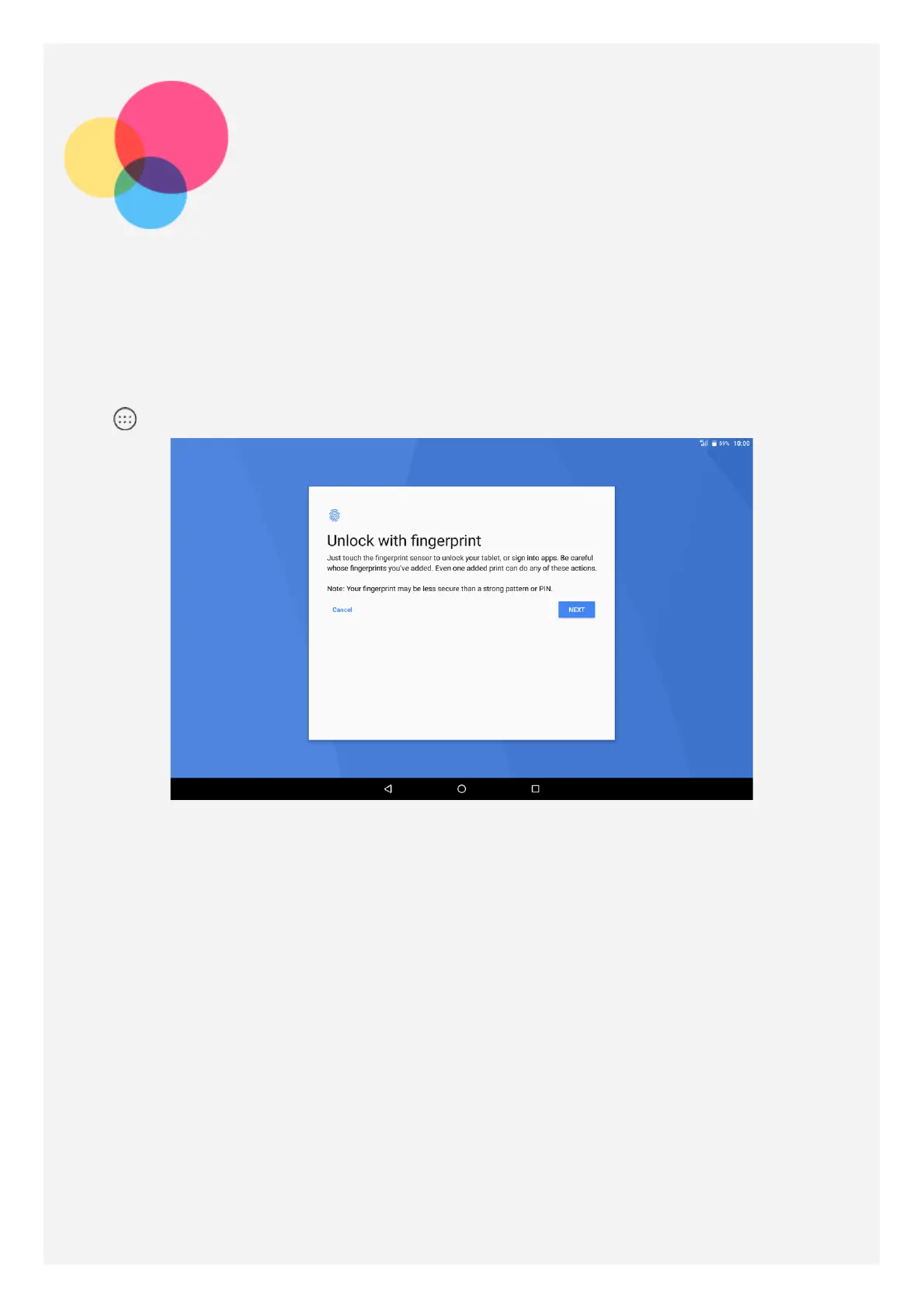
Adding a fingerprint
You can add more than one fingerprint.
Go to
> Settings > Security > Fingerprint, follow the instructions on the screen.
Note: A lock screen pattern, PIN, or password is required to use fingerprint-related
functions. Other users can also set individual fingerprints following the above
operations. To set screen lock, go to Settings > Security > Screen lock.
Adding a fingerprint for kid
Switch to child user account. On the home screen, swipe down from the top of the screen.



 To Next Page