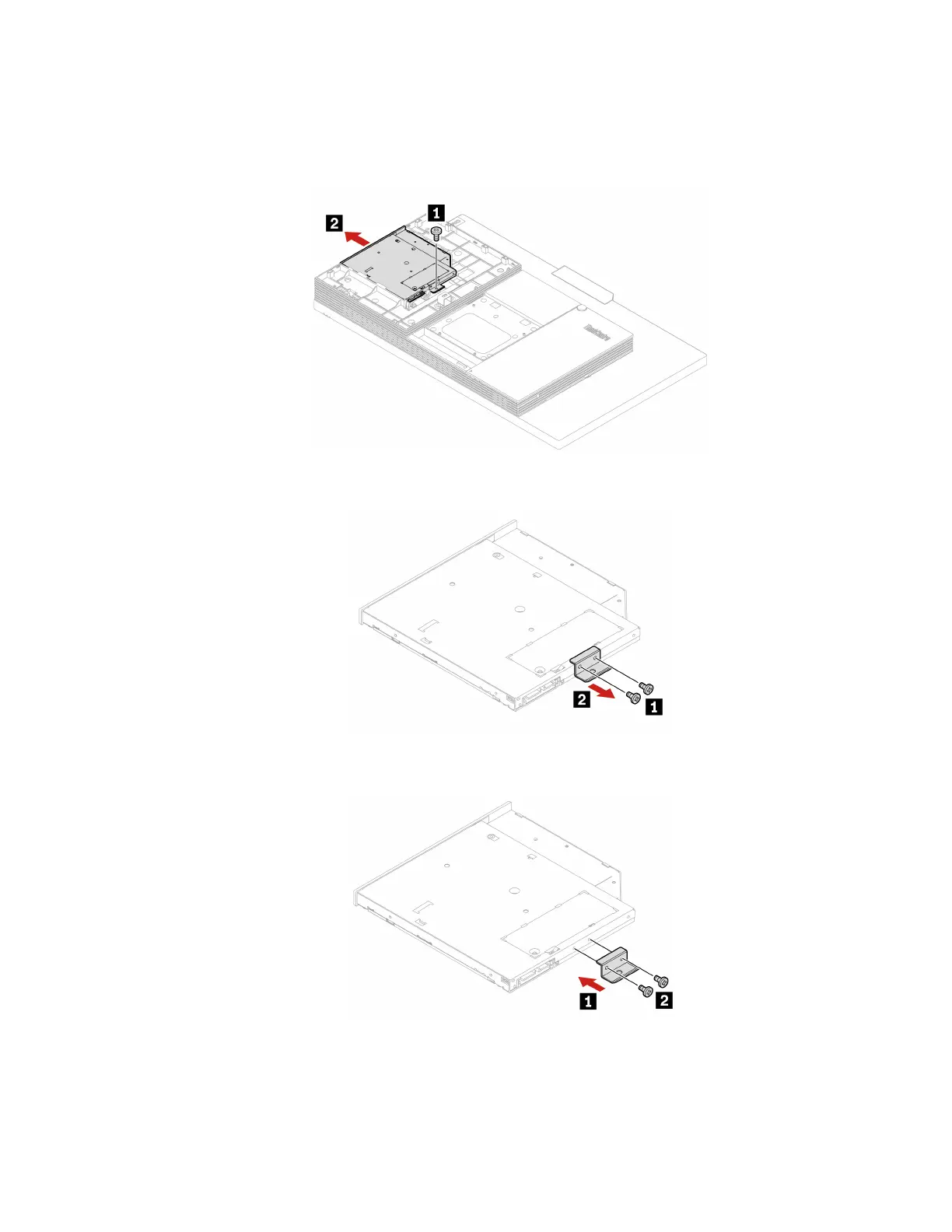
3. Disconnect the power and signal cable from the optical drive.
4. Depending on your computer model, refer to one of the following to replace the optical drive.
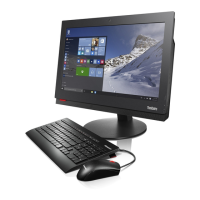
• M70a
Figure 13. Removing the optical drive
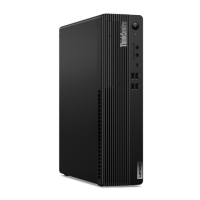
Figure 14. Removing the optical drive bracket
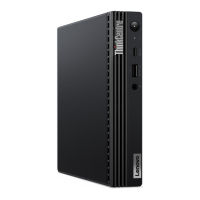
Figure 15. Installing the optical drive bracket
Chapter 6. Hardware removal and installation 67




 To Next Page