1Securitykeyhole2Fanlouvers(left)
3Videographicsarray(VGA)connector4USBconnectors
5HDMIport
1Securitykeyhole
Purchaseasecuritycablelockthattsthiskeyholetolockyourcomputertoastationaryobjecttoprotect
yourcomputerfromtheft.
2Fanlouvers(left)
Theinternalfanandlouversenableairtocirculateinthecomputerandcoolthecentralprocessor.
Note:Toavoidimpedingairow,donotplaceanyobstacleinfrontofthefan.
3Videographicsarray(VGA)connector
AttachaVGAcompatiblemonitororprojectortoyourcomputertodisplaythecomputeroutput.
4USBconnectors
TheUniversalSerialBus(USB)connectorsareusedforconnectingdevicescompatiblewithaUSBinterface,
suchasaUSBprinteroradigitalcamera.
Note:WhenyouattachaUSBcabletotheconnector,makesurethattheUSBmarkisfacingupward.
Otherwisetheconnectormightbedamaged.
5HDMIport
Yourcomputersupportsthehigh-denitionmultimediainterface(HDMI)port,adigitalaudioandvideo
interfacethatcanconnectacompatibledigitalaudiodeviceorvideomonitor,suchasanHDTV.
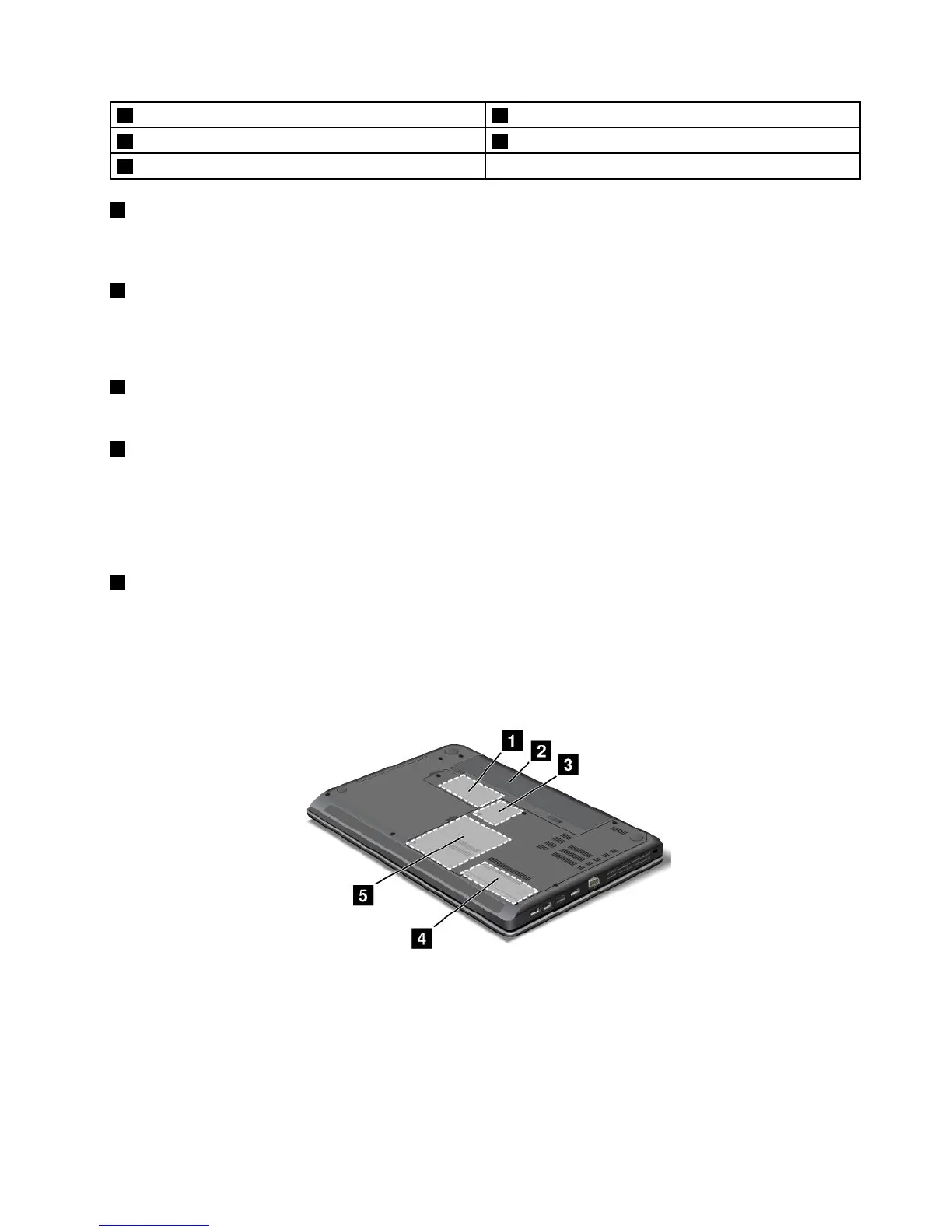
Bottomview
Figure5.ThinkPadEdgeE430,E430c,E435,E530,E530c,andE535bottomview
Note:Yourcomputerbottomviewmightlookslightlydifferentfromtheillustrationabove.
Chapter1.Productoverview7












 To Next Page