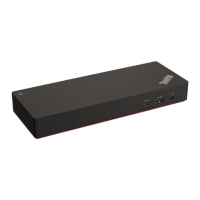
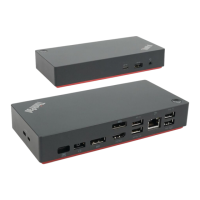
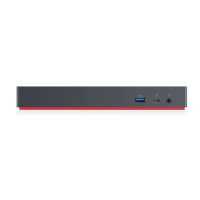
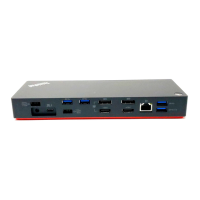
Chapter 1. About the dock
Thanks for using ThinkPad Universal Thunderbolt 4 Dock / ThinkPad Universal Thunderbolt 4 Smart Dock /
ThinkPad Thunderbolt 4 Workstation Dock.
This dock is an enhanced universal compatible module to help you expand your computer with automated
and silent updates. You can use it to connect your computer (Microsoft
®
Windows
®
10 only) to a local area
network (LAN) and multiple devices, such as a headset, external displays, and Universal Serial Bus (USB)
devices.
To view the compatible computers,
1. Go to
https://support.lenovo.com/us/en/solutions/accs-guide.
2. Select ThinkPad, ThinkCentre, ThinkStation, Ideapad and Ideacentre Option Compatibility Matrix.
Then follow the on-screen instructions.
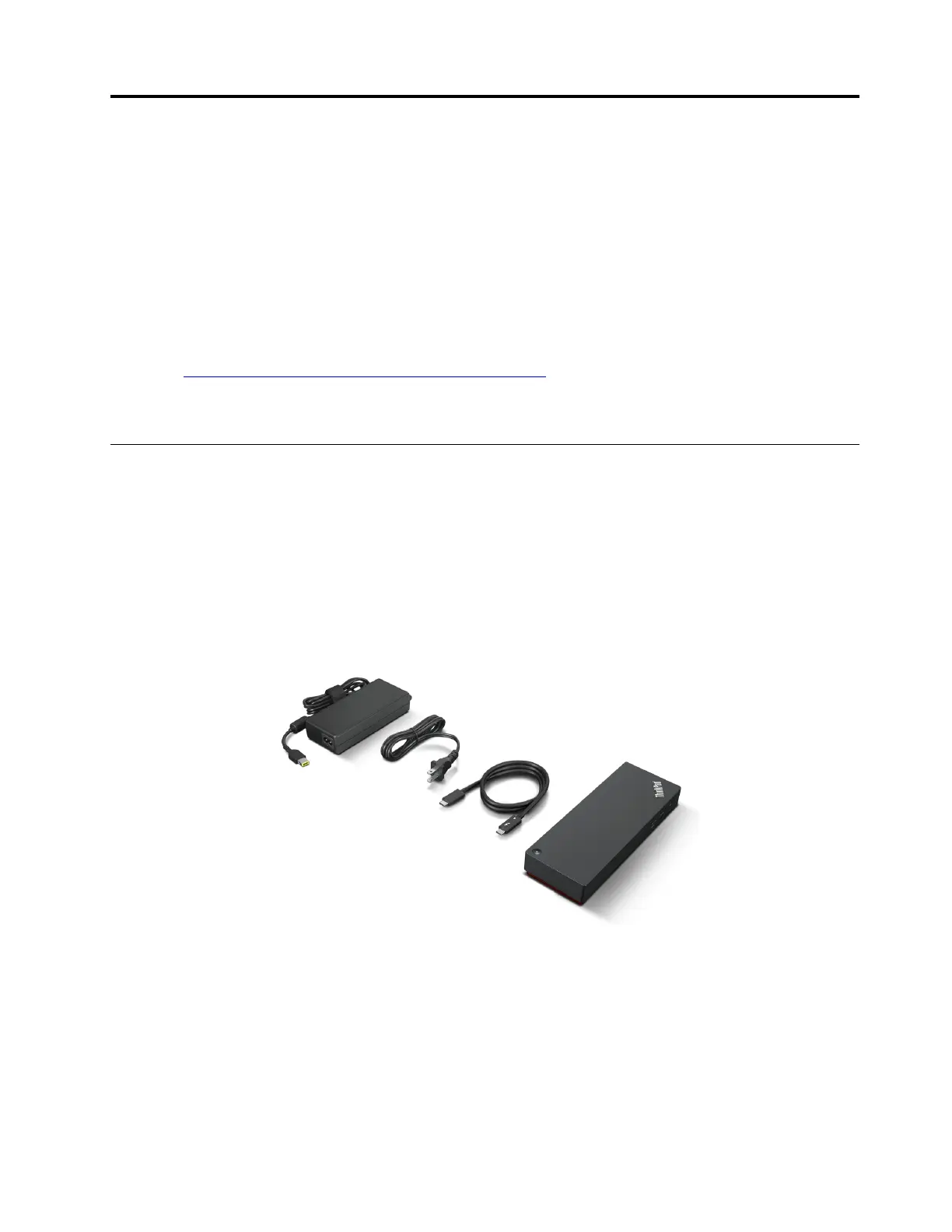
In the box
ThinkPad Universal Thunderbolt 4 Dock / ThinkPad Universal Thunderbolt 4 Smart Dock
• ThinkPad Universal Thunderbolt 4 Dock / ThinkPad Universal Thunderbolt 4 Smart Dock
• 135 W power adapter and power cord
• Thunderbolt 4 cable
• Documentation
© Copyright Lenovo 2021 1



 To Next Page
 Loading...