Chapter 1. About the dock
Thanks for using ThinkPad Universal USB-C Dock.
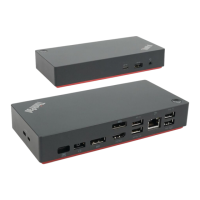
ThinkPad Universal USB-C Dock is an enhanced universal compatible module to help you expand your
computer with automated and silent updates. You can use it to connect your computer (Microsoft
®
Windows
®
10 only) to a local area network (LAN) and multiple devices, such as a headset, external displays,
and Universal Serial Bus (USB) devices.
To view the compatible computers,
1. Go to
https://support.lenovo.com/us/en/solutions/accs-guide.
2. Select ThinkPad, ThinkCentre, ThinkStation, Ideapad and Ideacentre Option Compatibility Matrix.
Then follow the on-screen instructions.
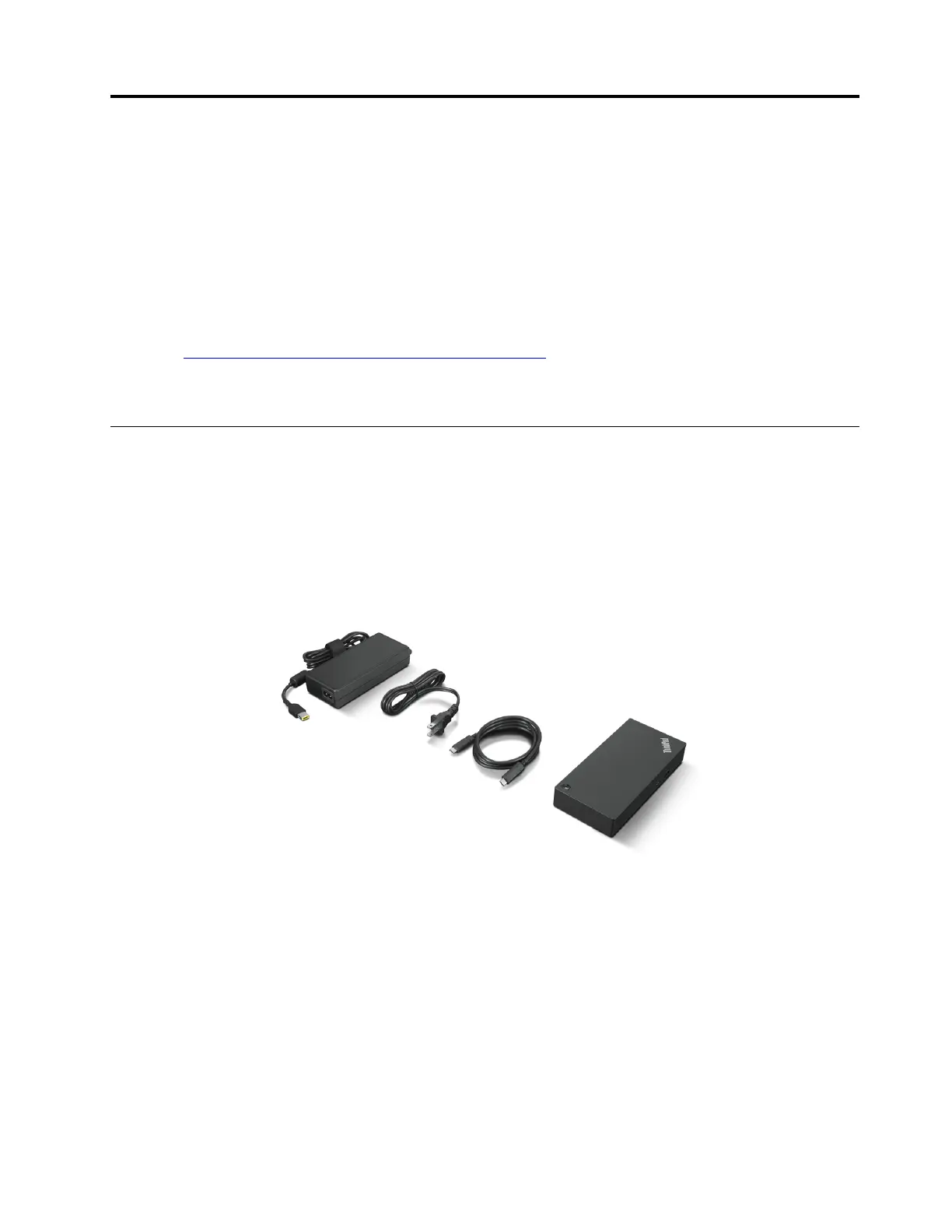
In the box
• ThinkPad Universal USB-C Dock
• 90W ac power adapter and power cord
• 1m USB-C
®
cable
• Documentation
Contact your place of purchase if any item is missing or damaged. Ensure that you retain your proof of
purchase and packing material. They might be required to receive warranty service.
© Copyright Lenovo 2021 1


 To Next Page
 Loading...