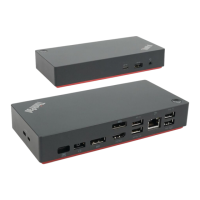
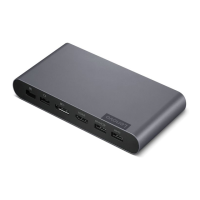
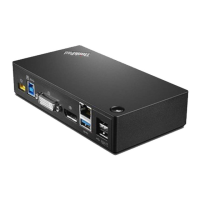
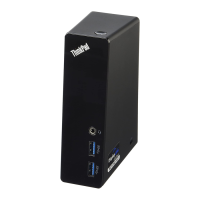
Product overview
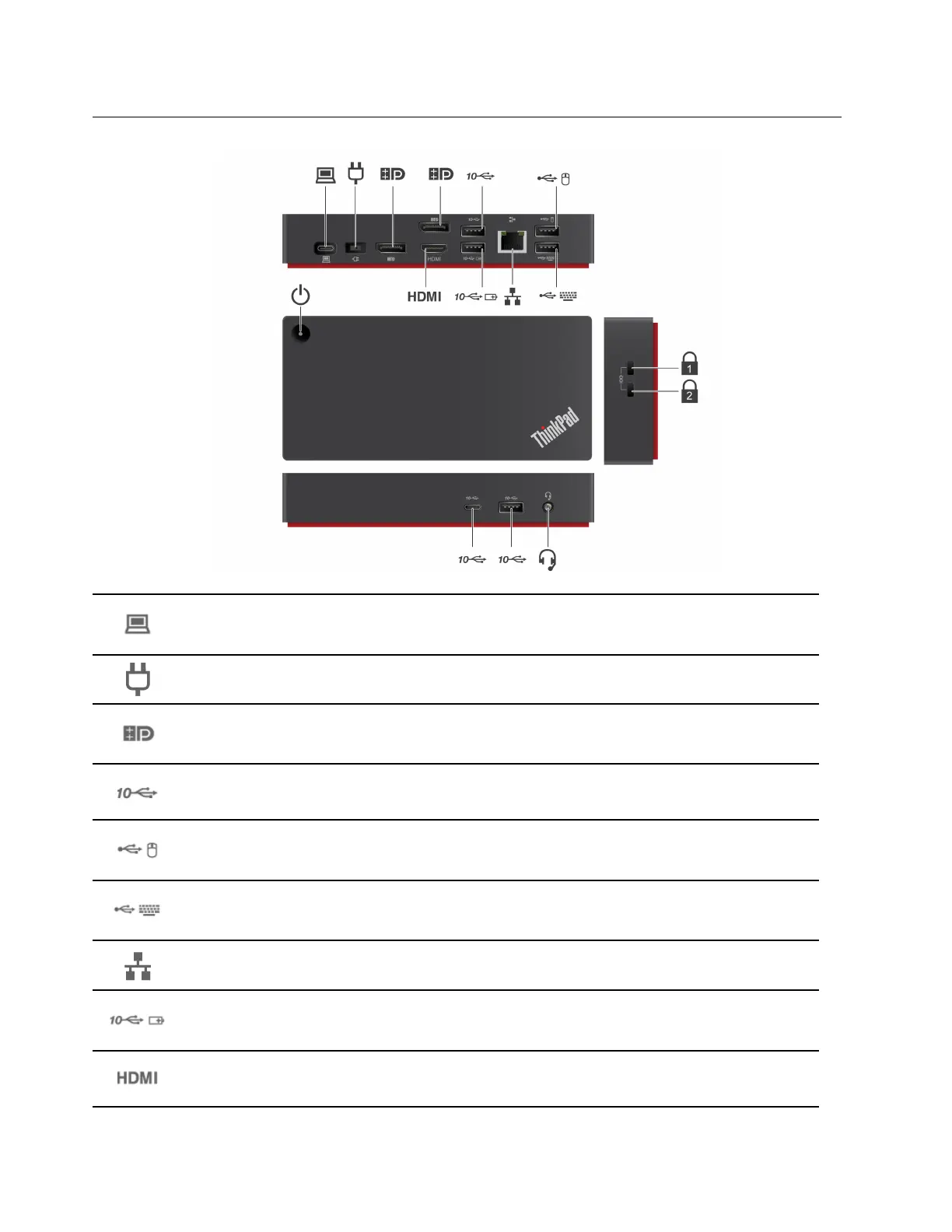
USB-C connector (for connecting computer)
Connect to your computer with the accompanying USB-C cable.
Power connector
Connect to ac power with the accompanying ac power adapter and power cord
DisplayPort
®
connector
Connect to an external display with a DisplayPort cable.
USB 3.2 connector Gen 2
Connect a compatible device to transfer data at USB 3.2 speed, up to 10 Gbps.
USB 2.0 connector
Connect a USB device, such as mouse.
USB 2.0 connector
Connect a USB device, such as keyboard.
Ethernet connector
Connect to a LAN with an Ethernet cable.
Always On USB 3.2 connector Gen 2
Connect a compatible device to transfer data or charge with the output voltage and current of up to
5 V and 2.4 A.
HDMI
TM
connector
Connect to an external display with a High- Definition Multimedia Interface (HDMI) cable.
2 ThinkPad Universal USB-C Dock User Guide


 To Next Page
 Loading...