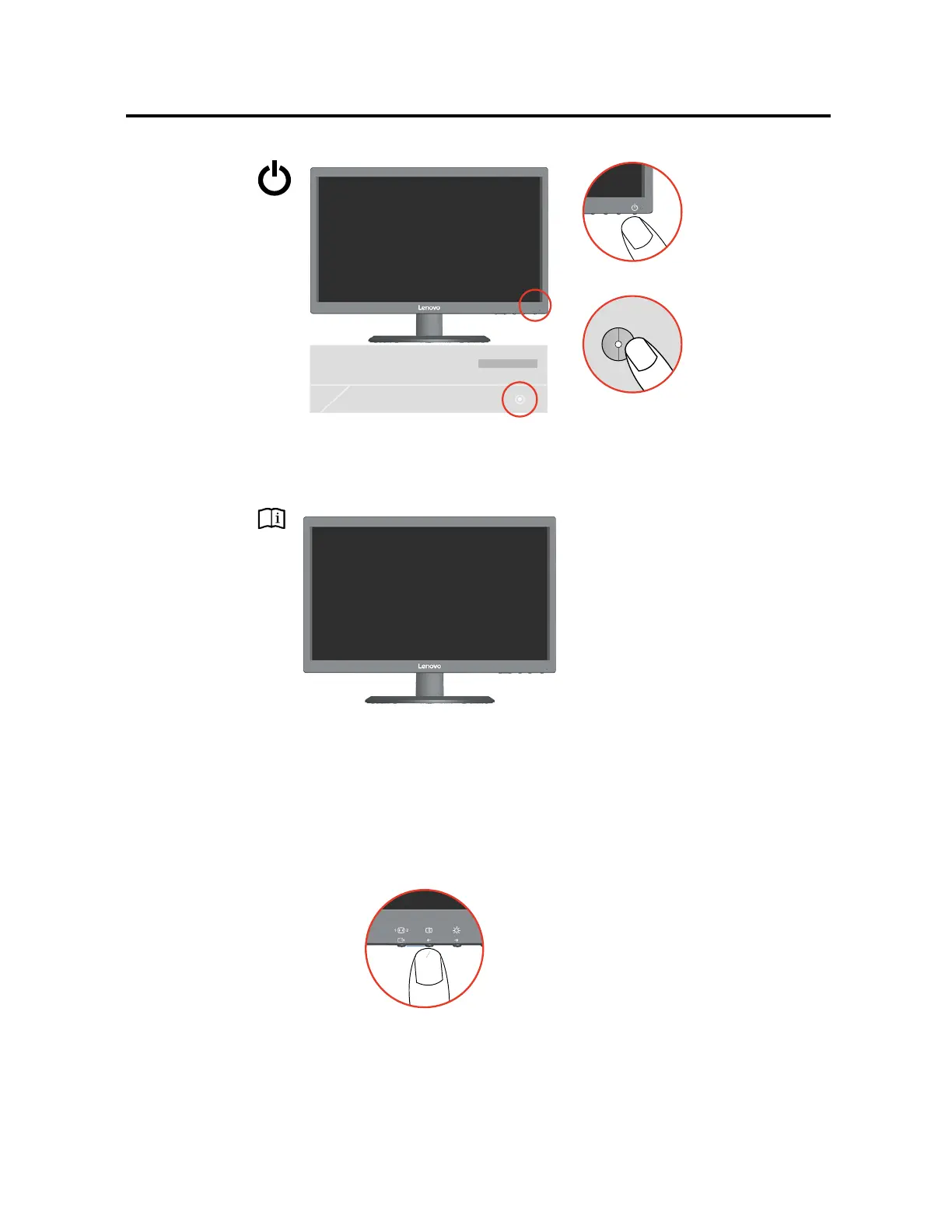
6. Power on the monitor and the computer.
7.
When you install the monitor driver, download the driver that corresponds to your monitor
model from the Lenovo website http://support.lenovo.com/docs/E2224A. Refer to the
“Manually Install Monitor Driver” section to install the driver.
8. To optimize your monitor image, press the Automatic Image Setup key. Automatic
image setup requires that the monitor is warmed up for at least 15 minutes. This is not
required for normal operation.
Note: If automatic image setup does not establish the image that you prefer, perform
manual image setup. See “Manual image setup” on page 3-3 .
Chapter 1. 1-5






 To Next Page