EasyManua.ls Logo

Lenovo ThinkVision T25d-10 - User Manual

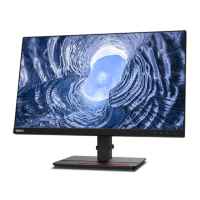
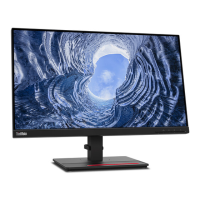
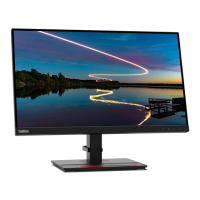
Lenovo ThinkVision T25d-10
39 pages
Print Icon
To Next Page IconTo Next Page
Loading...
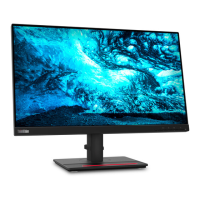
ThinkVision T25d-10
User Guide
Machine Types: 61DB

Other manuals for Lenovo ThinkVision T25d-10

Questions and Answers

  • J
    johnrivasAug 5, 2025
    What to do if my Lenovo Monitor says 'Out of Range'?
    • D
      David SanchezAug 5, 2025
      If your Lenovo monitor displays 'Out of Range', it means the system's display mode isn't supported by the monitor. If you replaced an old monitor, reconnect the old one and adjust the display mode to the supported range of your new monitor. If you're using Windows, restart in safe mode and select a supported display mode. If these steps don't work, further assistance may be needed.

Lenovo ThinkVision T25d-10 Specifications

General IconGeneral
Panel TypeIPS
Refresh Rate60 Hz
Brightness250 cd/m²
Contrast Ratio1000:1
Color Support16.7 million colors
Color Gamut99% sRGB
Viewing Angle178°/178°
PivotYes
Built-in MicrophoneNo
WebcamNo
ConnectivityHDMI, DisplayPort
USB Ports4 x USB 3.0 (1 x upstream, 4 x downstream)
Stand AdjustmentsTilt, Swivel, Pivot, Height
VESA MountYes (100 x 100 mm)
Tilt-5°
Swivel+45° / -45°
Response Time6 ms

Related product manuals