14
Chapter 2. Starting to use Windows 8
Charms and the charms bar - - - - - - - - - - - - - - - - - - - - - - - - - - - - - - - - - - - - - - - - - - - - - - - - - - -
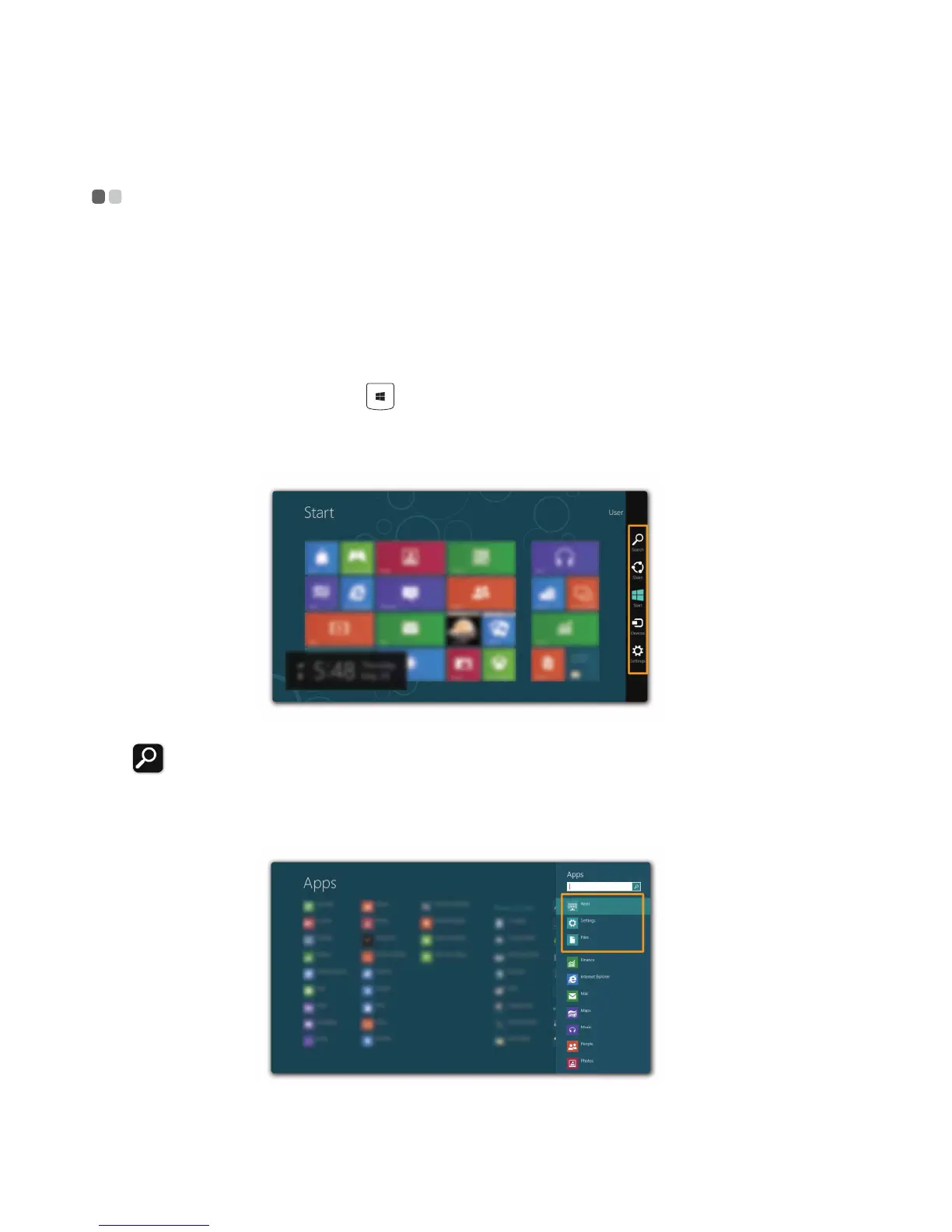
Charms are navigation buttons that let you access basic tasks quickly.
Charms include: Search, Share, Start, Devices, and Settings. The charms bar
is the menu that contains the charms. To display the charms bar, do one of
the following:
• Move the cursor to the upper-right or lower-right corner until the charms
bar is displayed.
• Press the Windows key + C.
• Use one finger to swipe in from the right edge of the screen until the
charms bar is displayed (U330 Touch/U430 Touch).
Search charm
The Search charm is a powerful new way to find what you are looking for,
including apps, settings and files.






 To Next Page