18
Chapter 2. Starting to use Windows 8
Touch screen operation (U330 Touch/U430 Touch) - - - - - - - - -
The display panel can accept inputs like a tablet, using its fully-featured,
multi-touch screen; or like a traditional notebook computer, using keyboard
and touchpad.
Multi-touch gestures
You can touch the screen with one or more fingertips to perform a variety of
tasks.
Frequently used gestures Tasks performed
Number
of fingers
used
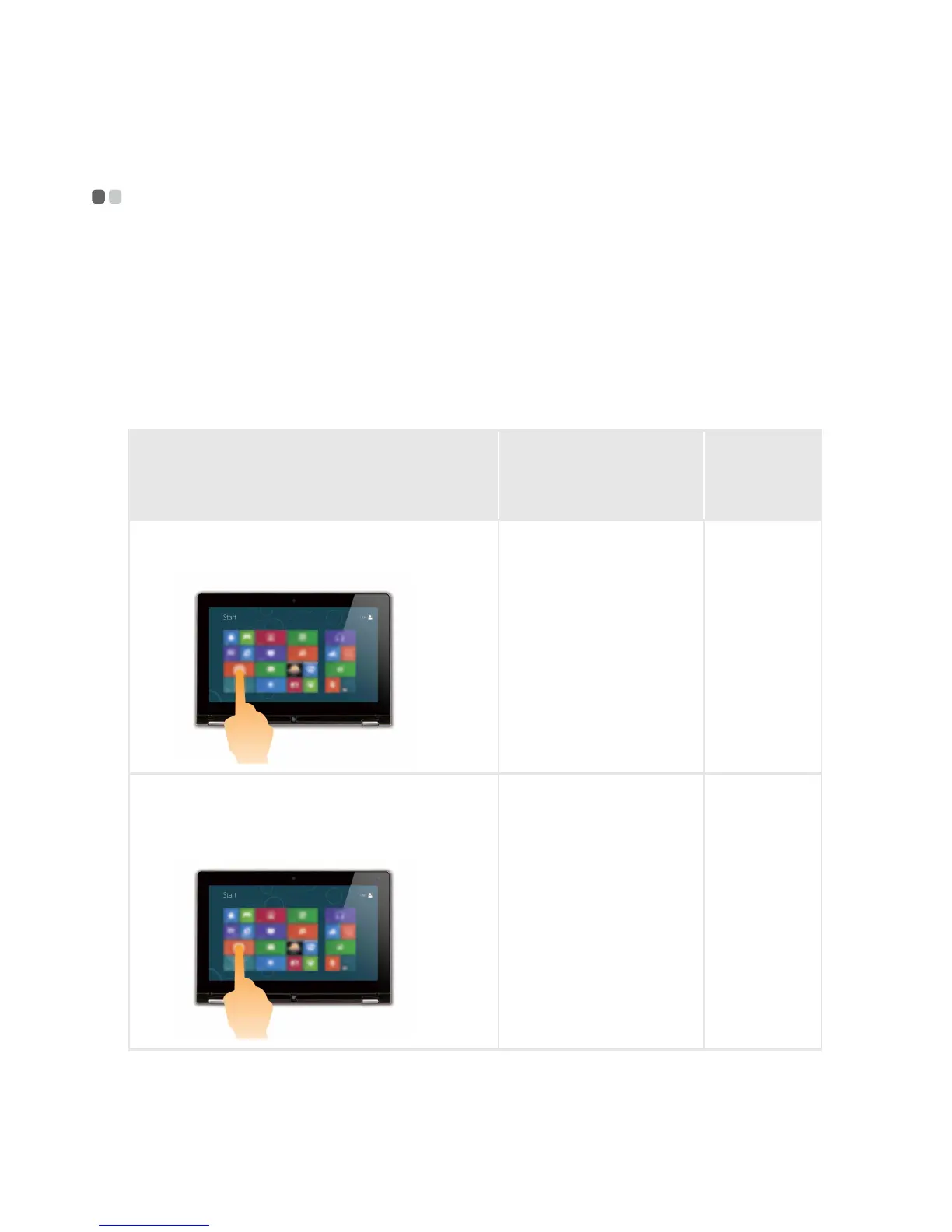
Tap
Tap once on an item.
Performs some action,
such as starting an
app, opening a link, or
performing a
command. Similar to
left-clicking with a
mouse.
one
Press and hold
Press your finger down and leave it there
for a moment.
Allows you to see
detailed information
before selecting an
action. Can also open a
menu with more
options. Similar to
right-clicking with a
mouse.
one






 To Next Page