1
Chapter 1. Getting to know your computer
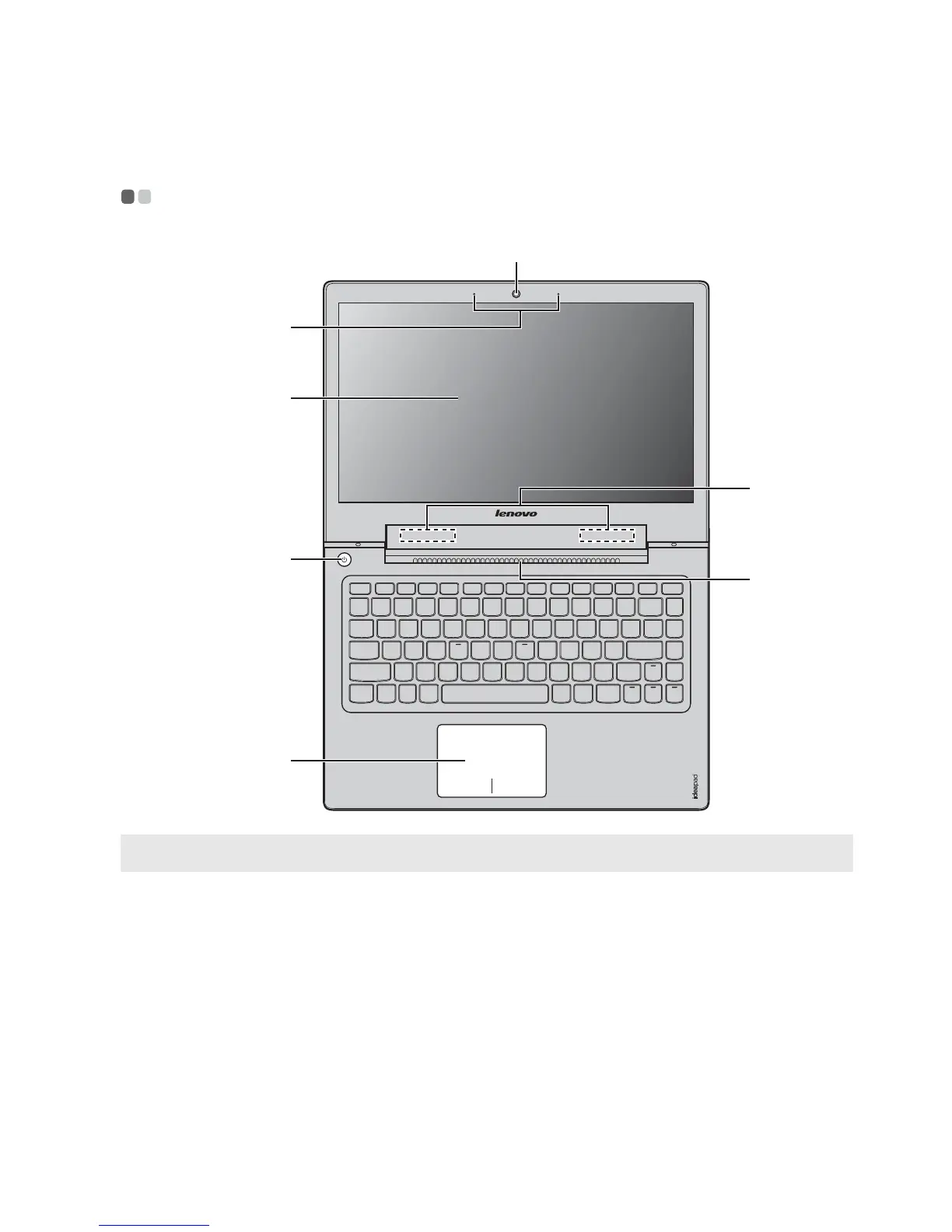
Top view - - - - - - - - - - - - - - - - - - - - - - - - - - - - - - - - - - - - - - - - - - - - - - - - - - - - - - - - - - - - - - - - - - - - - - - - - - - - - - - - - - - - - - - - - - - - - - - - - - -
Note: The dashed areas indicate parts that are invisible from outside.
Attention:
• Do not open the display panel beyond 130 degrees. When closing the display panel, be
careful not to leave pens or any other objects in between the display panel and the
keyboard. Otherwise, the display panel may be damaged.
a
d
e
b
c
g
f






 To Next Page