14
Chapter 1. Getting to know your computer
Front view - - - - - - - - - - - - - - - - - - - - - - - - - - - - - - - - - - - - - - - - - - - - - - - - - - - - - - - - - - - - - - - - - - - - - - - - - - - - - - - - - - - - - - -
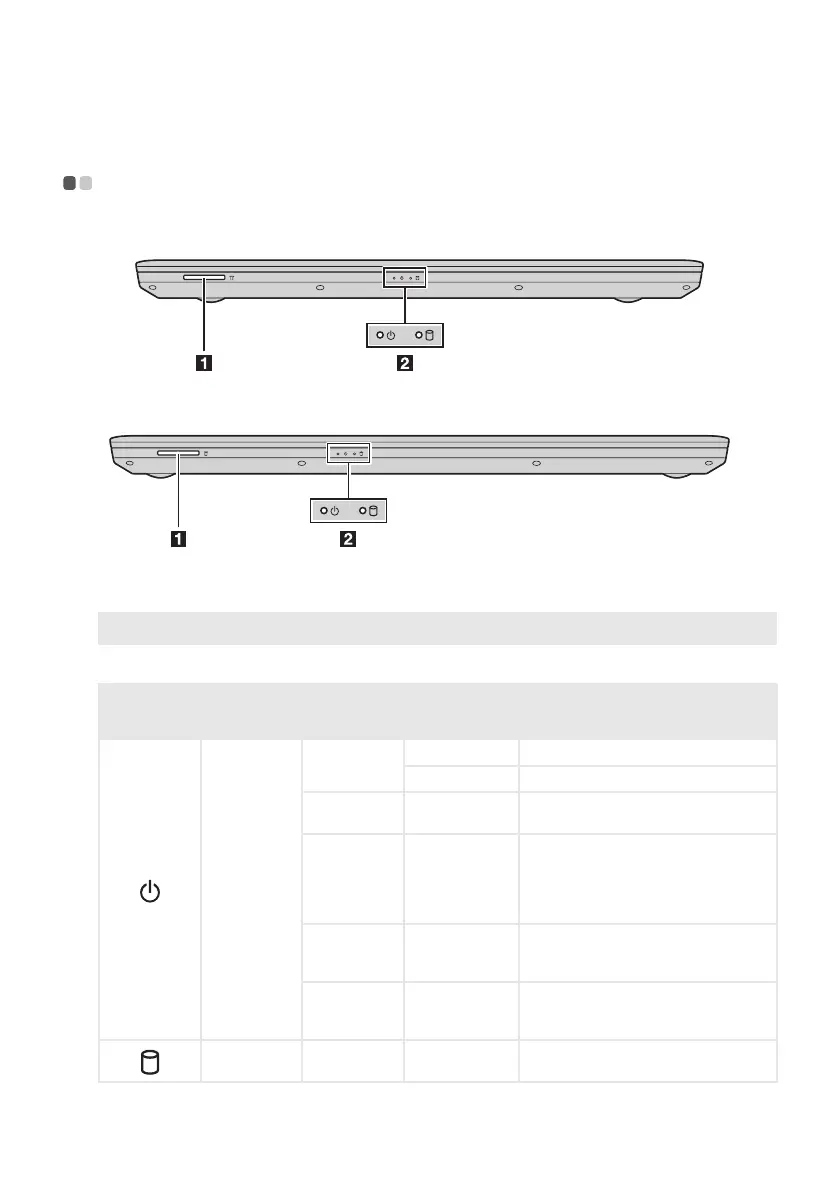
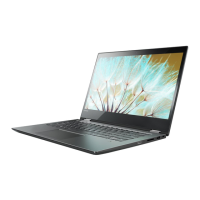
Lenovo V310-14ISK
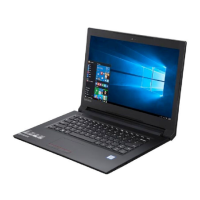
Lenovo V310-15ISK
a
Memory card slot
Accepts memory cards (not supplied).
Note: For details, see “Using memory cards (not supplied)” on page 15.
b
System status indicators
Symbol Indicator
Indicator
status
Charge
status
Meaning
Battery status
indicator
On
(solid green)
Charging The battery has more than 80% charge.
Discharging The battery has more than 20% charge.
On
(solid amber)
Discharging
The battery has between 5% and 20%
charge.
Blinking
slo
wly
(green)
Charging
The battery has between 20% and 80%
charge. W
hen the batt
ery reaches 80%
charge, the light will stop blinking.
However, charging will continue until
the battery is fully charged.
Blinking
slo
wly
(amber)
Charging
The battery has less than 20% charge.
When the battery charge reaches 20%,
the blinking color will change to green.
Blinking
quickly
(amber)
Charging/
Discharging
The battery has less than 5% charge.
Hard dis
k
driv
e
Blinking --
-
The hard disk drive is reading or
writin
g data.





 To Next Page