Chapter 2. Starting to use Windows
23
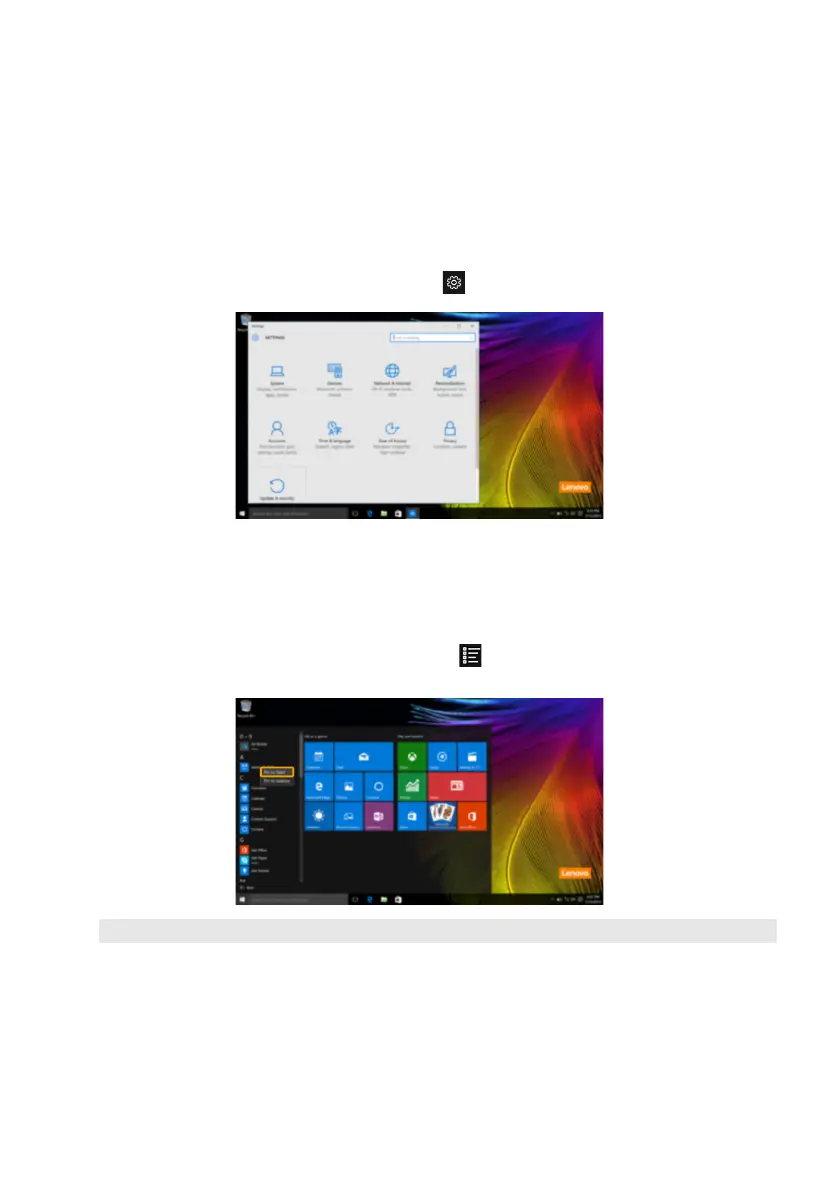
Settings
Settings lets you perform basic tasks. You can also search for more settings with the settings
search box in the upper-right corner.
To open the settings, do the following:
• Open the start menu, and then select Se
ttings
.
Personalize the start menu
You can personalize the start menu with your favorite apps.
To personalize the start menu, do the following:
1 Open the start menu, and then select All apps to display the apps list.
2 Right click the app you want to add to the start menu, and then select Pin to Start.
Note: You can also drag apps from the Most used or All apps columns to add them to the start menu.





 To Next Page