4
Chapter 1. Getting to know your computer
Using the keyboard
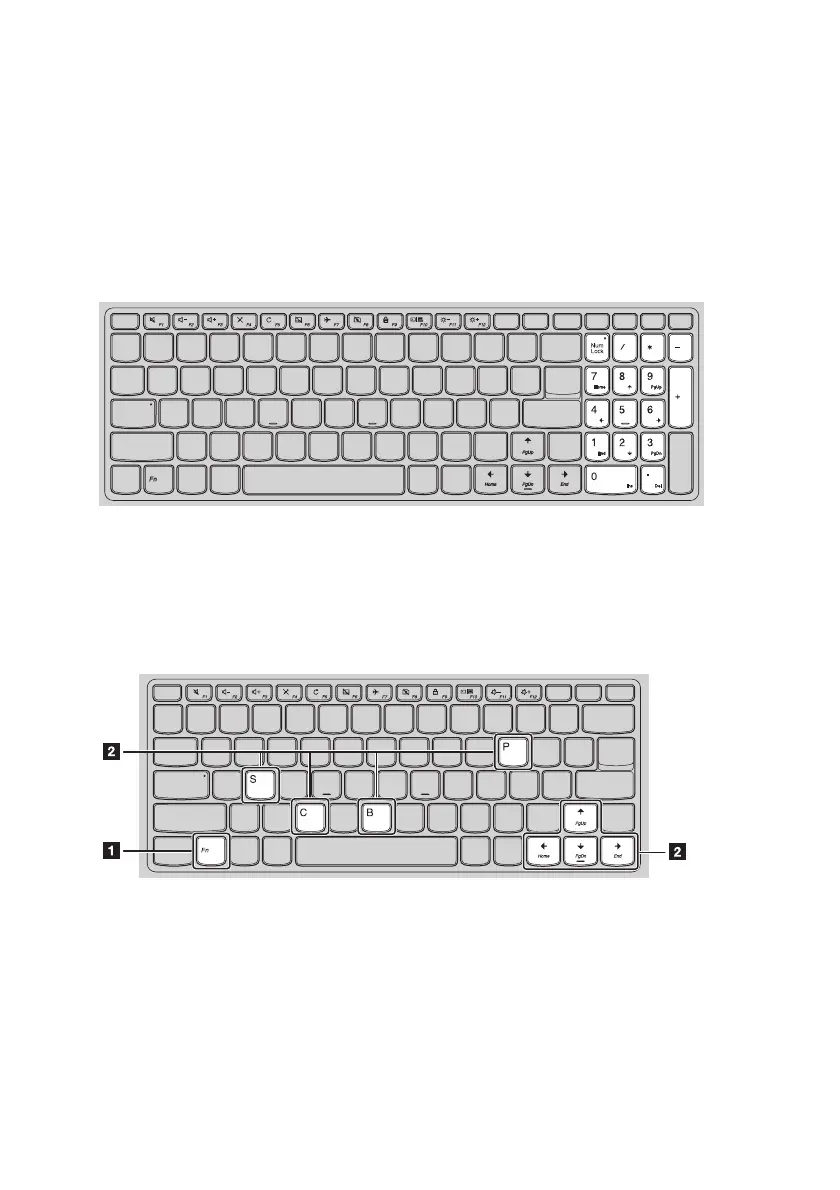
Numeric keypad (Lenovo V310-15ISK)
The keyboard has a separate numeric keypad. To enable or disable the numeric keypad, press
the Num Lock key.
Function key combinations
Through the use of the function keys, you can change operational features instantly. To use this
function, press and hold Fn
; then press one of the function keys
.
Lenovo V310-14ISK












 To Next Page