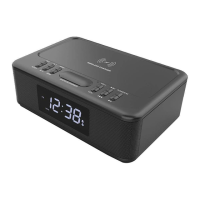
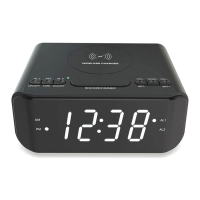
ON / OFF / MODE
1. When power is first connected, the display on the screen will show HI, and then will show 12:00 PM.
2. Power on/mode change:
A. Press ① Power/M for FM radio mode.
B. Press ① Power/M again for Bluetooth mode.
C. Press ① Power/M again for AUX-in mode.
D. Press ① Power/M to alternate between the FM, Bluetooth and Aux-in modes.
E. The default mode is FM radio.
F. During operation, there has spoken voice naming the modes when they are changed. There is no
way to remove this voice.
3. Power off:
A. Press ① Power/M and hold it for 3 seconds to power off. The unit will go into clock mode and
show the time on the display.
B. When this is done, the spoken voice will say clock mode. The unit will not play any sound, and
will display the time.
Bluetooth pairing
1. Ensure the phone or tablet has Bluetooth function turned on.
2. Put the clock radio into Bluetooth mode.
3. Search for the Bluetooth pairing name CRW30 on the phone or tablet and then pair.
4. When the clock radio is in Bluetooth mode, if there is no pairing of a Bluetooth device and it has
searched for 10minutes, the unit will stop searching.
5. After pairing successfully, BT is indicated next to the time display.
6. Press buttons ③ and ④ at the same time to cut off Bluetooth function.
FM radio mode
1. Ensure the FM antenna is connected into the AUX/ANT port on the rear of the unit.
2. To increase radio reception, tape the antenna to a wall so it is extended above the unit.
3. Put the clock radio into FM mode.
4. The current radio station frequency will be shown on the screen.
5. To manually tune to a certain radio station, press buttons ③ and ④ repeatedly until that
radio station frequency is shown non the screen.
6. To scan in any available station automatically: press and hold button ② and the unit will
search for stations automatically, saving them as pre-sets, numbered from CH01 to CH20.
Radio stations can only be scanned in and saved which have a very good signal.


 To Next Page
 Loading...