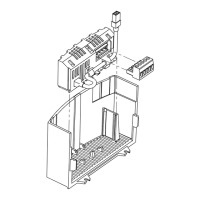
3.2 CANopen terminal block
Terminal Description Important
1 CAN_GND: CAN earth ground
For reliable communication make sure terminal
CAN_GND is connected to CAN network
GND/common. If only two wires are used (CAN_H
and CAN_L) in the network, connect CAN_GND to
chassis/earth ground.
2 CAN_L: CAN low
If controller is located at either end of the network,
a terminating resistor (120ohm typical) should be
connected across CAN_L and CAN_H
3
4 CAN_H: CAN high
5
Protection against contact
• All terminals have basic isolation (single insulating distance)
• Protection against contact can only be ensured by additional measures (i.e. double insulation)


 To Next Page
