- 7 -
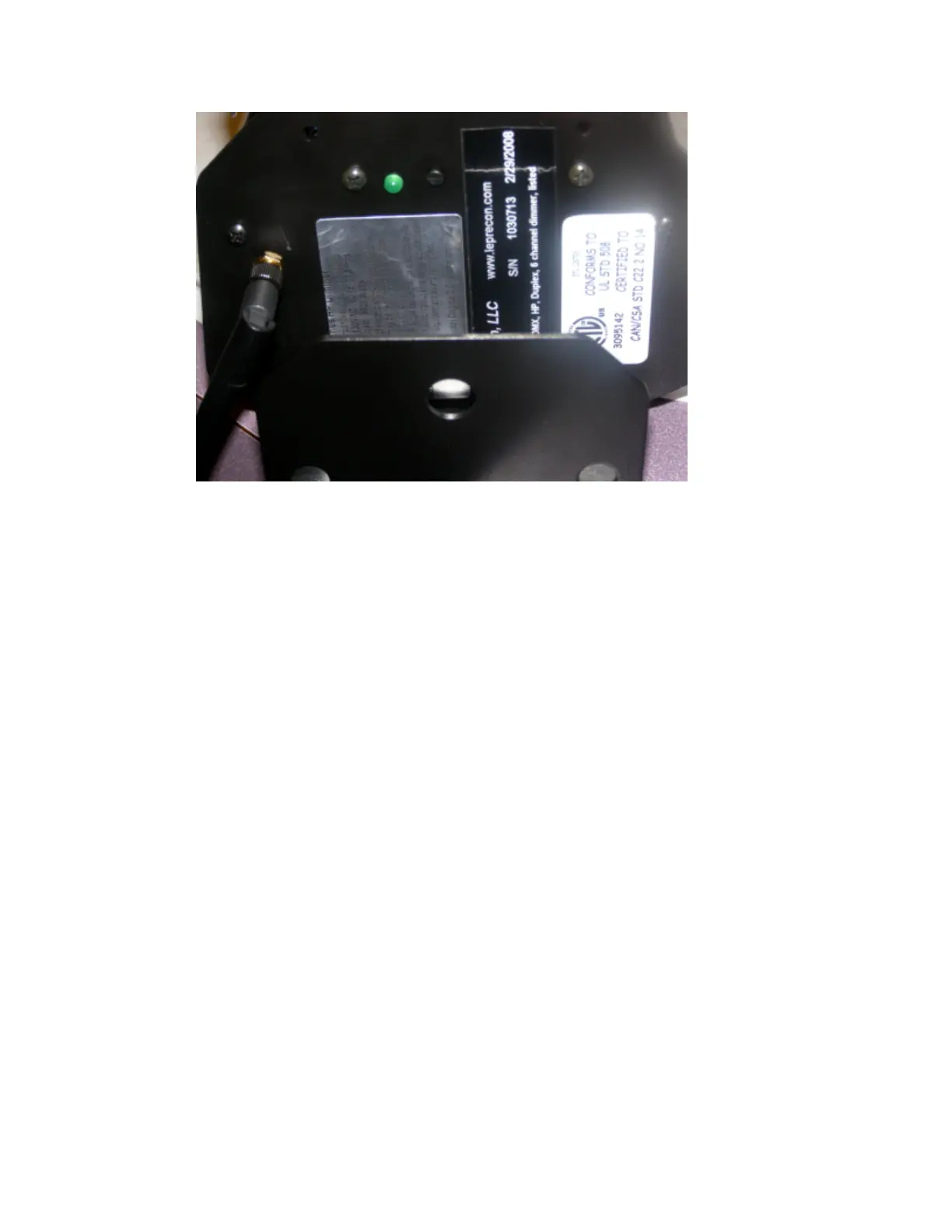
The LED located on the dimmer endplate shows the status of the wireless link.
? OFF – Dimmer is not linked to any transmitter. DMX cable input can be used.
? ON – Dimmer is linked to a transmitter, and receiving DMX data.
? ON, short blink off – Dimmer is linked to a transmitter, but no data is being
received.
? On / Off flash – Dimmer was linked, but connection was lost.
The push button switch next to the LED is used to unlink the receiver from the
transmitter. To do this, press the switch, and hold it down for four seconds. The LED
will turn off, indicating that the link has been broken.
To establish a link to a specific transmitter:
1) Unlink the dimmer by pressing and holding the switch as described above.
Verify that the LED is off.
2) Press the function switch on the TRANSMITTER for one second.
The dimmer LED should light to indicate that it is now linked to the transmitter.
To unlink ALL dimmers from the transmitter:
1) Press and hold the function switch on the TRANSMITTER for four seconds.
The status LED’s of all dimmers previously linked to that transmitter will turn off.
More information can be found in the manual for the specific W-DMX transmitter that you
have in the system.


 To Next Page