- 9 -
5) Front Panel Controls
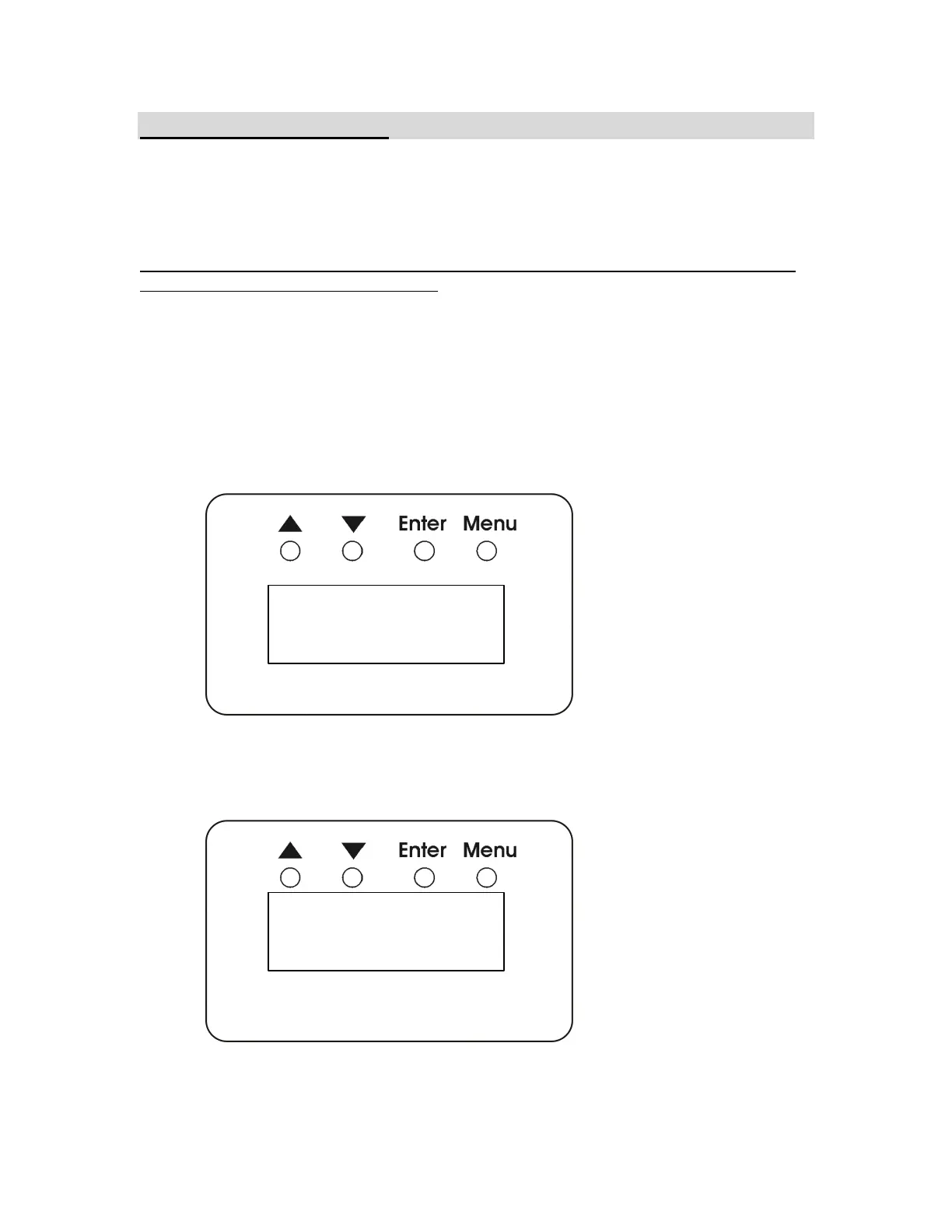
The ULD-360 dimmer uses a 4 digit display and four entry switches to set pack
functions, and display operating status.
Resetting the ULD-360 to default values:
The unit can be Reset to original factory settings by depressing and holding the ENTER
switch while turning on the first breaker.
Address Menu
When the dimmer is first turned on, the display shows the starting channel address of
the ULD-360. This is the DMX address that will control the first channel of the pack.
When there is no DMX input, the channel number is preceded by the letter A for address:
When valid DMX is detected, the letter ‘A’ is replaced with the letter ‘d’ for DMX:
.
004 A
d
004


 To Next Page