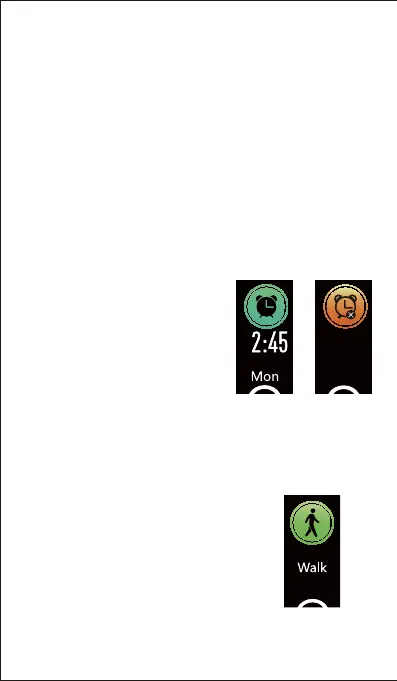
3. Setting Alarms
You can set alarms in the app and
have the tracker vibrate to wake
you up or remind yourself of
important dates, meetings, and
interviews, etc.
1) Go to the "Device" page in the
app and tap "Alarm Alert".
2) Tap "+" to add an alarm.
3) Tap the alarm, and set the alarm
type, repeat type and time.
You can hold the touch key of the
tracker for 2s to enable/disable the
alarm.
Notes:
on the upper position of your wrist and a bit tighter than
usual when you are taking exercise. Besides, complete
your profile in the app.
monitoring heart rate all day automatically. You can
disable/enable automatic heart rate monitoring in the app
- 13 -
4. Tracking Sports: Walk
The tracker can tracks your exercise data
during walking.
1) Hold the touch key for 2s to start the
walk mode.
Alarm on Alarm off


 To Next Page