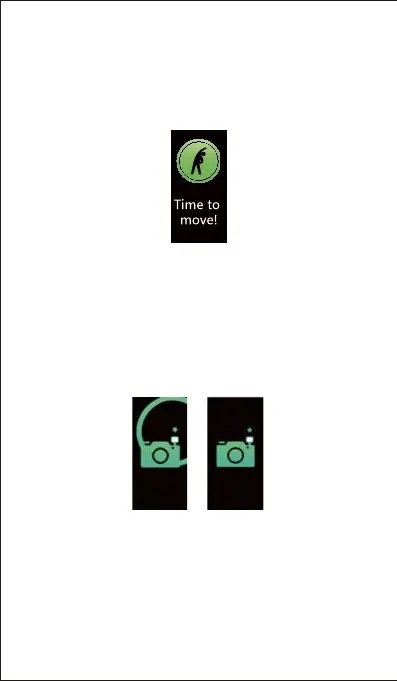
8.3 Sedentary Reminder
The tracker vibrates to remind you to move when you are
the Sedentary Alert function and set the remind interval.)
8.4 Remote Camera Control
If you want to position your phone for a photo and then take
the photo from a distance, you can use the tracker to take
the photo.
1) Make sure you have allowed the VeryFitPro app to access
your phone camera and photos in your phone settings.
2) Go to the "Device" page in the app and tap "Camera",
then a camera icon appears on your tracker screen.
3) Tap the touch key of the tracker to have your smartphone
shoot photos.
The photos are saved in the photo album of your phone.
- 20 -


 To Next Page