Notes:
Data of exercises less than 1 minute and calories
burned less than 5 kcals, or less than 1 minute and
distance less than 100 meters will not be saved.
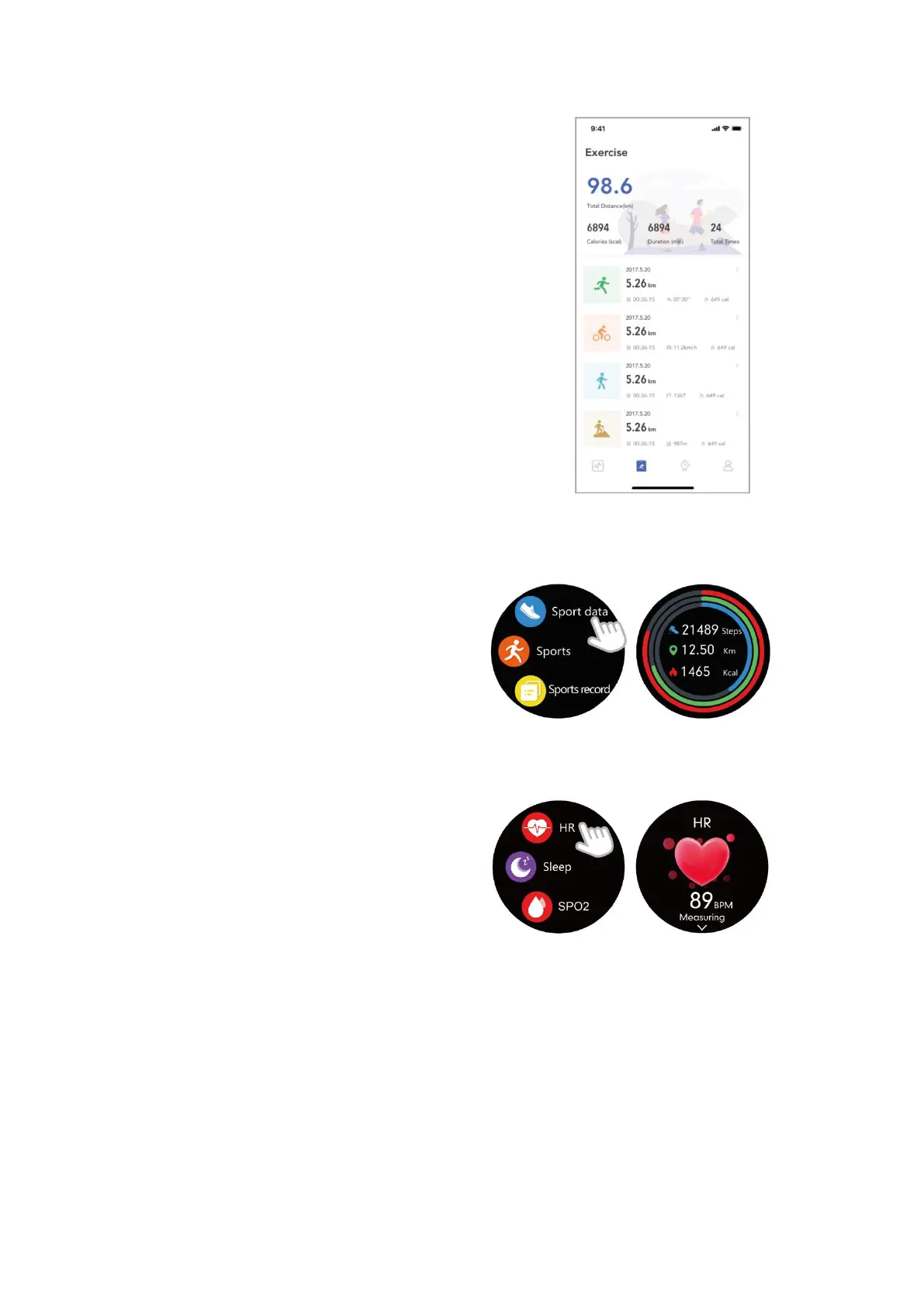
You can also view detailed data in the app (Go to the
"Exercise" page and choose the exercise type you just
ended).
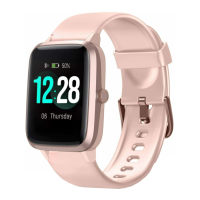
Tracking Daily Activity Data
The watch tracks your all-day activity data,
including steps, calories burned and distance.
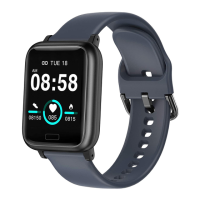
Monitoring Heart Rate
Tap "HR" in the function list to enter the heart
rate interface, the watch will automatically
measure your real-time heart rate. You can
swipe up the HR interface to view your all-day
heart rate data or view the data in the app.
Notes:
To monitor heart rate more accurately, wear the watch two fingers-width below the
wrist bone and a bit tighter than usual when you exercise. In addition, complete your
profile in the app.
Automatic heart rate monitoring is ON by default. You can disable/enable automatic
heart rate monitoring in the app ("Device" page → "Health Monitor").


 To Next Page