- 15 -
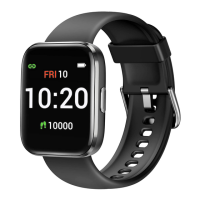
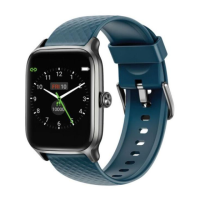
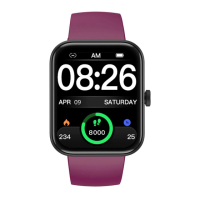
Watch Interfaces
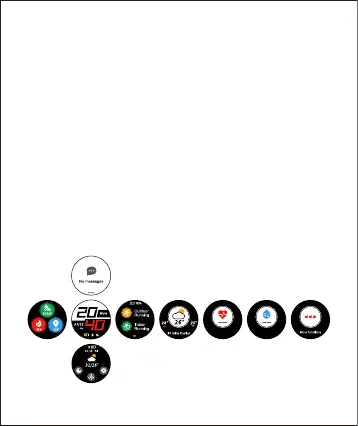
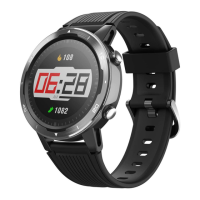
This is a touch screen; swipe the screen to go to
different interfaces and tap to enter the function.
The home screen is the clock. On the clock:
● Swipe down to see notifications.
● Swipe up to see the status bar (brightness, do not
disturb, system settings).
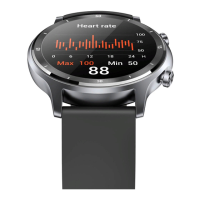
● Swipe left to switch function interfaces (sports mode,
weather, heart rate mode, blood oxygen level, more
functions).
● Swipe right to see the data bar (steps, calories
burned, distance).
fig.1


 To Next Page