- 16 -
Unlock the screen
To conserve power, the watch has a standby mode in
which the screen is locked. To unlock the screen, press
the Up / Down button.
When the battery level is less than 10%, the watch enters
battery save mode, at which you cannot start a sports
mode. Please charge the watch to operate it again.
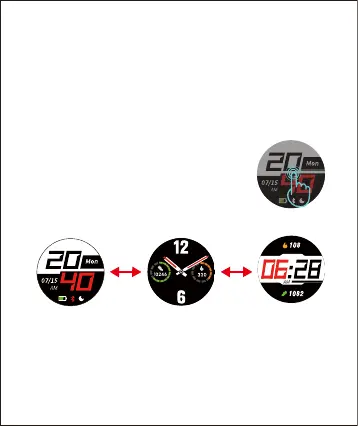
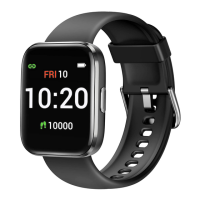
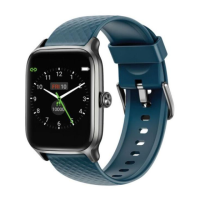
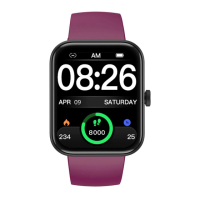
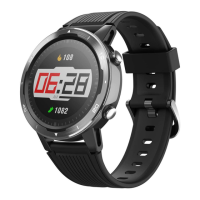
After the watch is bound to the app, the home screen will
display the time and date as shown in fig.1.
You can customize the home screen by following the
steps below:
1. Press the Up or Down button to
unlock the screen.
2. Tap and hold the home screen.
3. Swipe left / right to choose one and tap to confirm.


 To Next Page