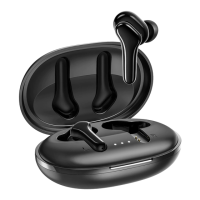
Charging Case LED Indicator Guide
Power on
Power off
Being charged
Fully charged
The indicator stays green
for one second
The indicator flashes red
and green alternately
The indicator stays red
The indicator goes off
System State Indicator Activity
50%-100% battery
10%-50% battery
1%-10% battery
The indicator stays green
for 10 seconds
The indicator stays orange
for 10 seconds
The indicator flashes orange
Battery Level Indicator Activity
Earbuds LED Indicator Guide
- 3 -
Press the function button of the charging case
to check the charging case battery level.



 To Next Page