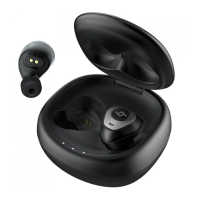
Pair
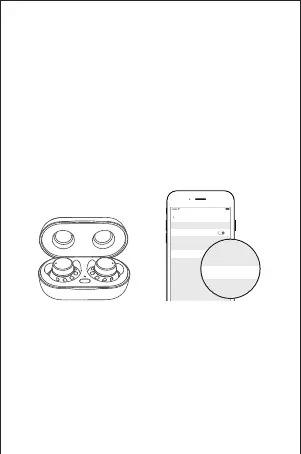
1) Make sure the earbuds and your Bluetooth
device are next to each other or within 3 feet
and there are no obstacles between.
2) Open the charging case and the earbuds enter
pairing mode.
3) Turn on the Bluetooth of your Bluetooth device.
4) In the list of found Bluetooth devices in your
Bluetooth device, choose "T20" to pair.
- 7 -
Connect to other devices
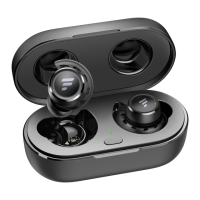
1) Put the earbuds back into the charging case.
2) Press and hold the function button of the
charging case for 3 seconds and the earbuds
enter pairing mode.
3) Choose "T20" in your device to pair.
Settings Bluetooth
Bluetooth
T20
Connected
MY DEVICES
OTHER DEVICES
100%9:41 AM


 To Next Page