Set Colorful Ambient Light
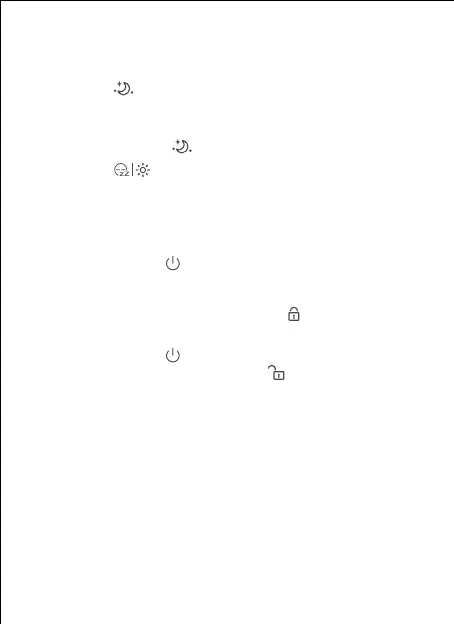
1) Tap the " " button to choose an ambient light
(6 colors: red, yellow, blue, pink, aqua, and purple, and
color-changing mode).
2) Tap and hold the " " button to adjust the brightness.
3) Tap the " " button on top of the machine to turn off
the ambient light.
- 8 -
Set Child Lock
● Tap and hold the " " button and "+" button at the same
time for 2 seconds until you hear a prompt sound to
activate the child lock. During this time, you cannot perform
any operations on this machine. The " " icon will display
on the screen.
● Tap and hold the " " button and the "-" button at the same
time for 2 seconds to unlock. The " " icon will display on
the screen.


 To Next Page