24
1. Click on “Configuration” on the homepage,
2. Click on “Mail & FTP” in the left column,
3. Fill in the FTP related settings including server, server port, user name and
password, as well as the upload path if it is specified by the web space,
4. Click on “Save”,
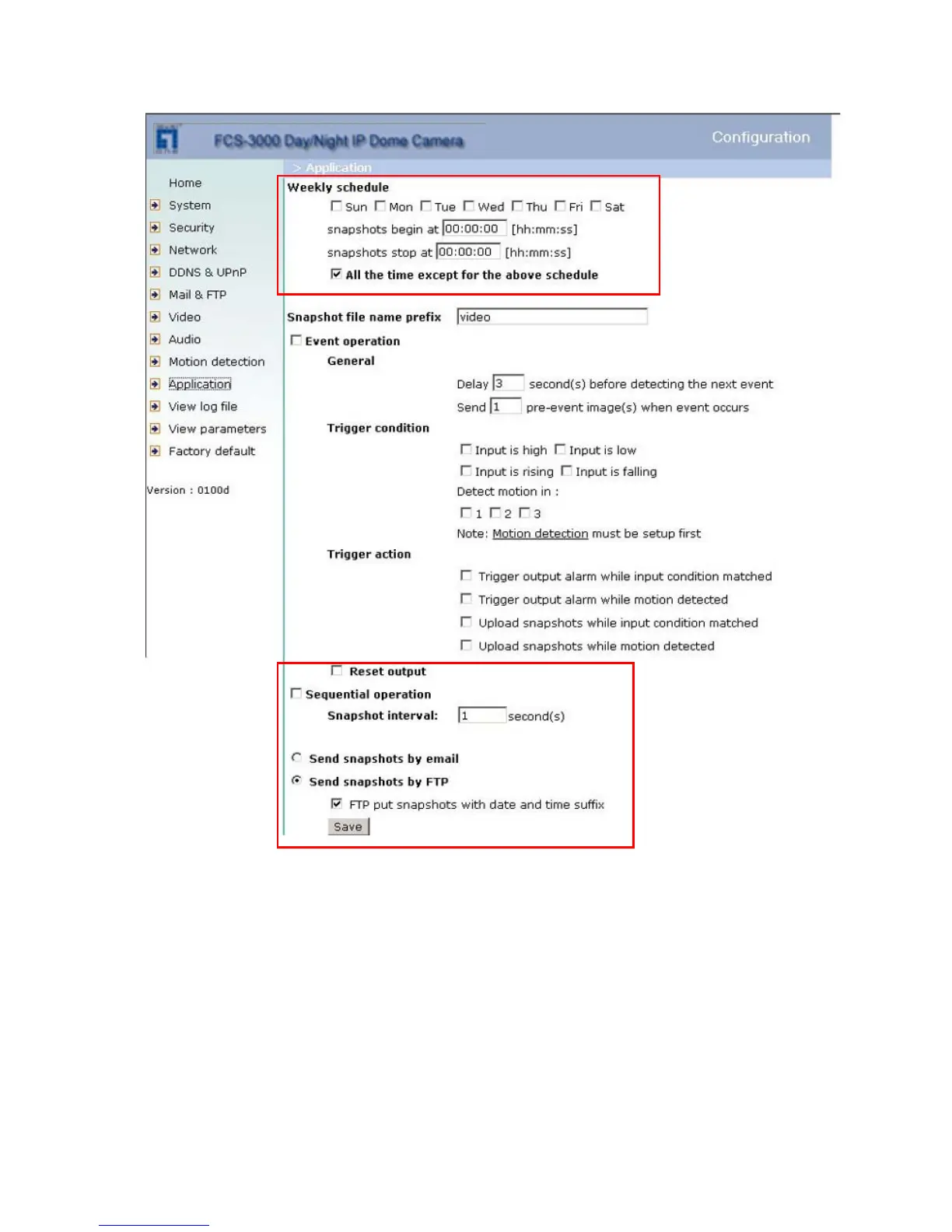
5. Click on “Application” in the left column,
6. Select the day or days of the week in “Weekly schedule” you want to upload the
pictures,
7. Select “Sequential operation” and set the interval,















 To Next Page