- 41 -
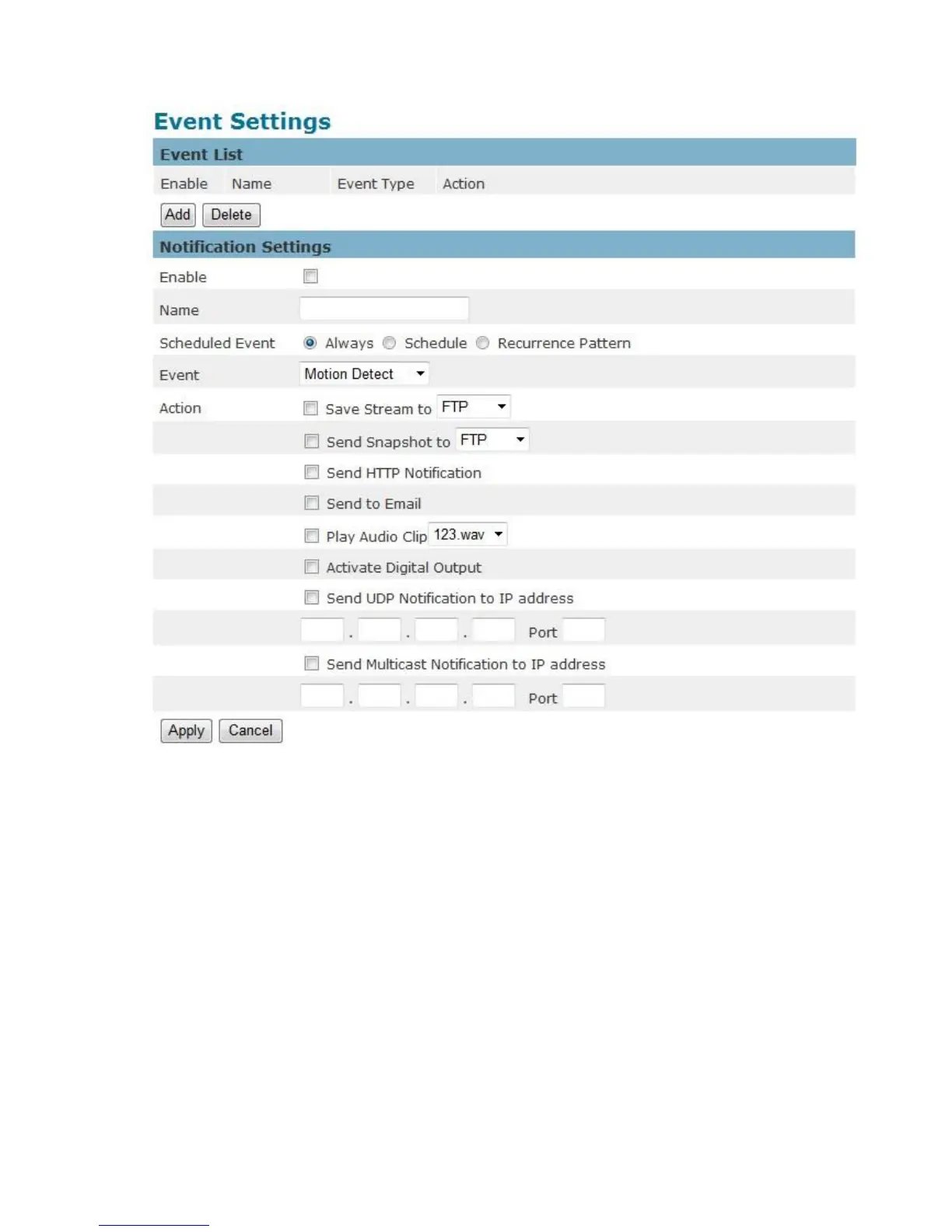
How to Set Up an Event Schedule
Event Schedule describes how and when the camera performs certain actions.
1. Check “Enable” and enter a descriptive name for the event schedule.
2. Set Event Schedule to define when the event is activated by selecting from Always (24
hours), Schedule or Recurrence pattern.
a. If Schedule is selected from the Event Schedule, the following page will be
displayed:















 To Next Page