- 53 -
Audio Clip
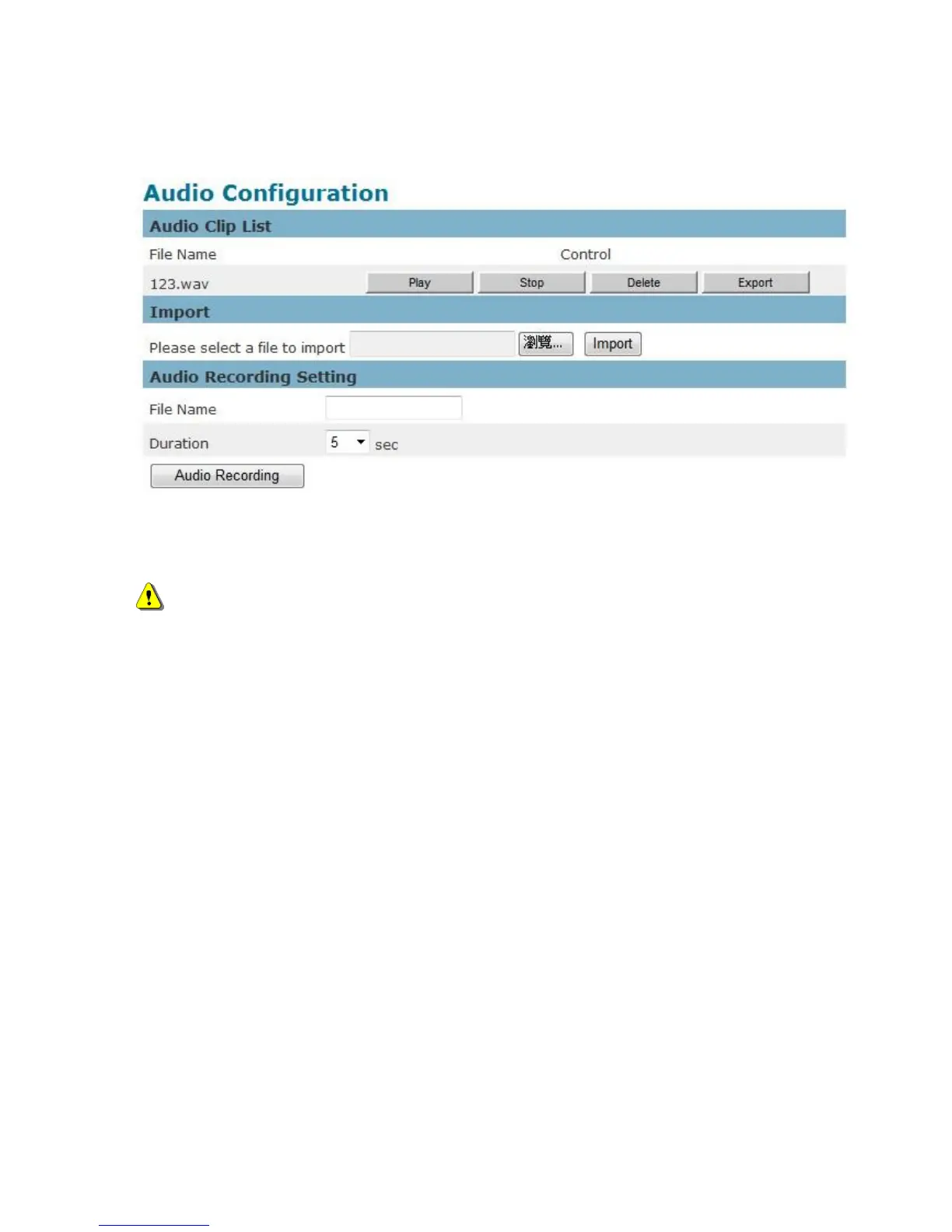
Audio Recording – Audio clips can be recorded and played when an event occurs.
Click Browse to import a file from a local hard drive or network disk. Select the file and click
Import.
NOTE – The camera can only play audio clips which are saved as .wav files with G.711
u-law encoding in 8000 Hz sampling rate.
To record a new clip using the camera's microphone:
1. File Name-Enter a file name.
2. Duration - Enter the number of seconds to record.
3. Click Record to record the new audio clip.
4. The new audio clip will appear on the audio clip list.
5. Select an audio clip file from the Audio Clip List.
a. Play- Select to hear the audio clip
b. Stop- Select to stop playing the audio clip.
c. Delete- Select to delete an audio clip.
d. Export- Select to export the audio clip to a local hard drive or network disk.















 To Next Page