Network Camera User’s Manual
6/56
Hardware Installation
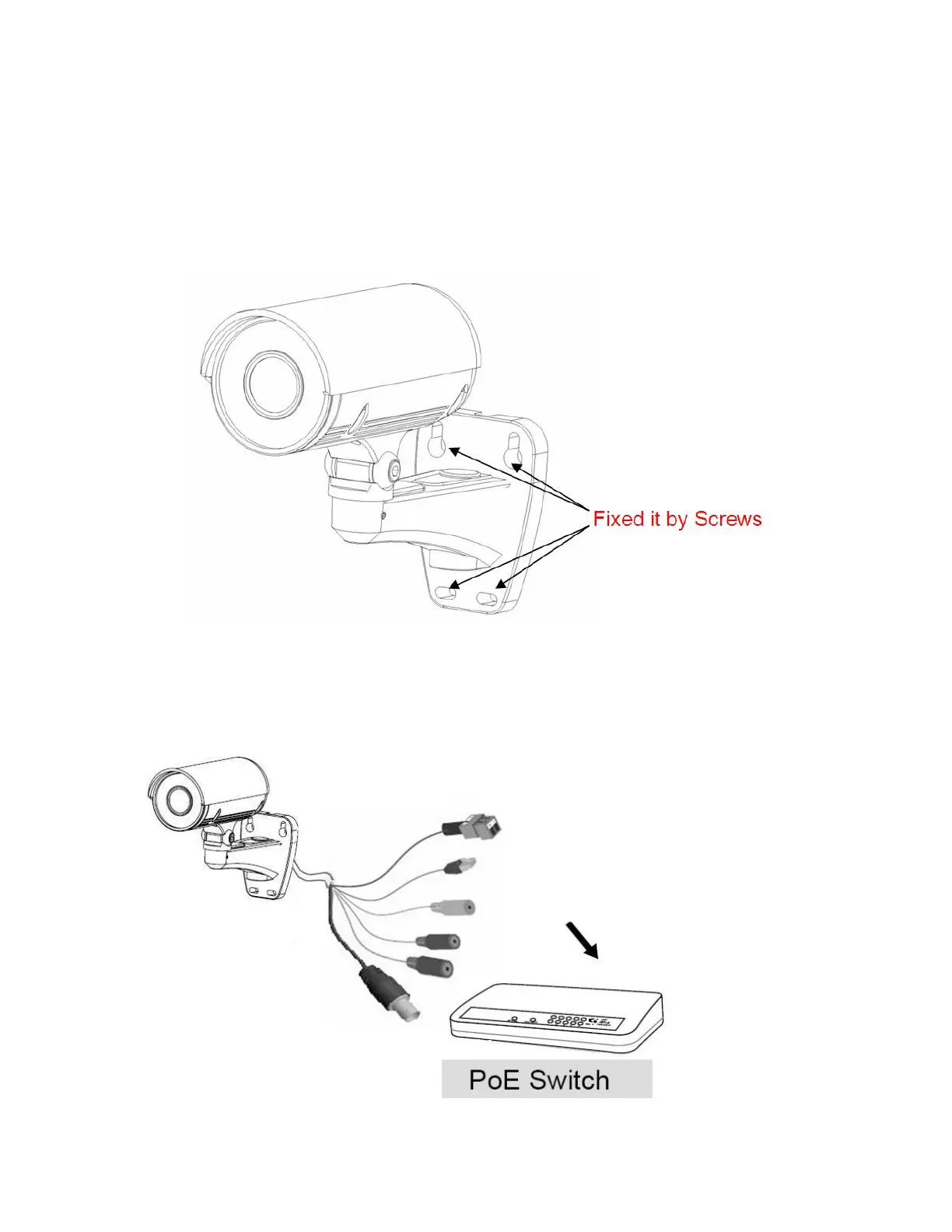
1. Attach the Network Camera with the included stand
2. Place the Camera fix it onto ceiling or wall
Use screws to fix the Network Camera onto the ceiling or wall.
3. Power over Ethernet (PoE)
Using a PoE-enabled switch
The Network Camera is PoE-compliant, allowing transmission of power and data via a
single Ethernet cable. Follow the below illustration to connect the Network Camera to a
PoE-enabled switch via Ethernet cable.















 To Next Page