Network Camera User’s Manual
8/56
Connect to the Network Camera
Install the IP Finder program
When you installed your Network camera on your LAN environment, you may install “IP
Finder” to discover Network camera’s IP address. The Administrator must place the
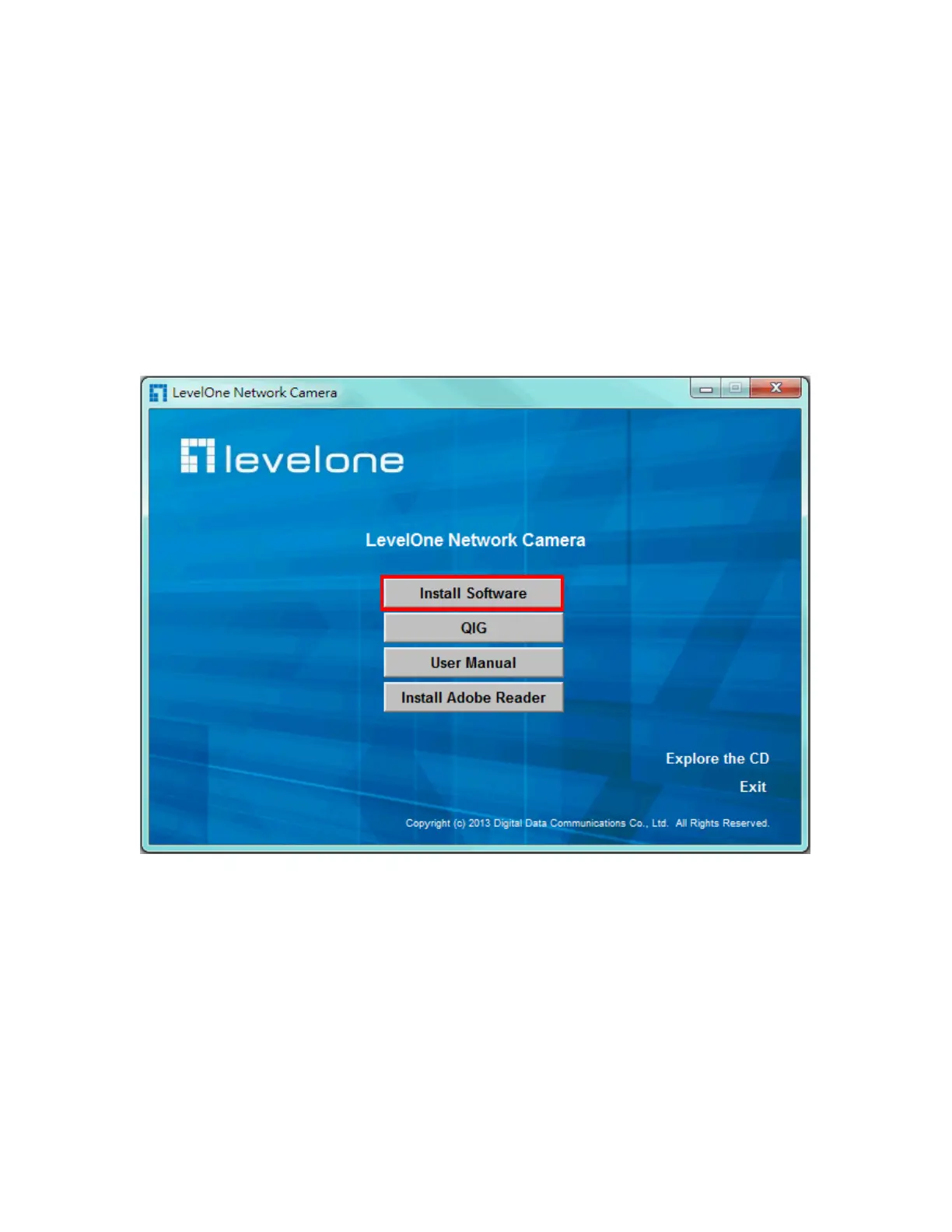
product software CD into the CD-ROM drive of the PC running in Microsoft Windows. An
auto-run program will pop up (If the program is not on auto-run, go to the root directory
of the software CD and click on “autorun.exe”).
Click on “Software Utility” item, after the window contents changed, click on “Install IP
Finder” to run “IP Finder” program.















 To Next Page