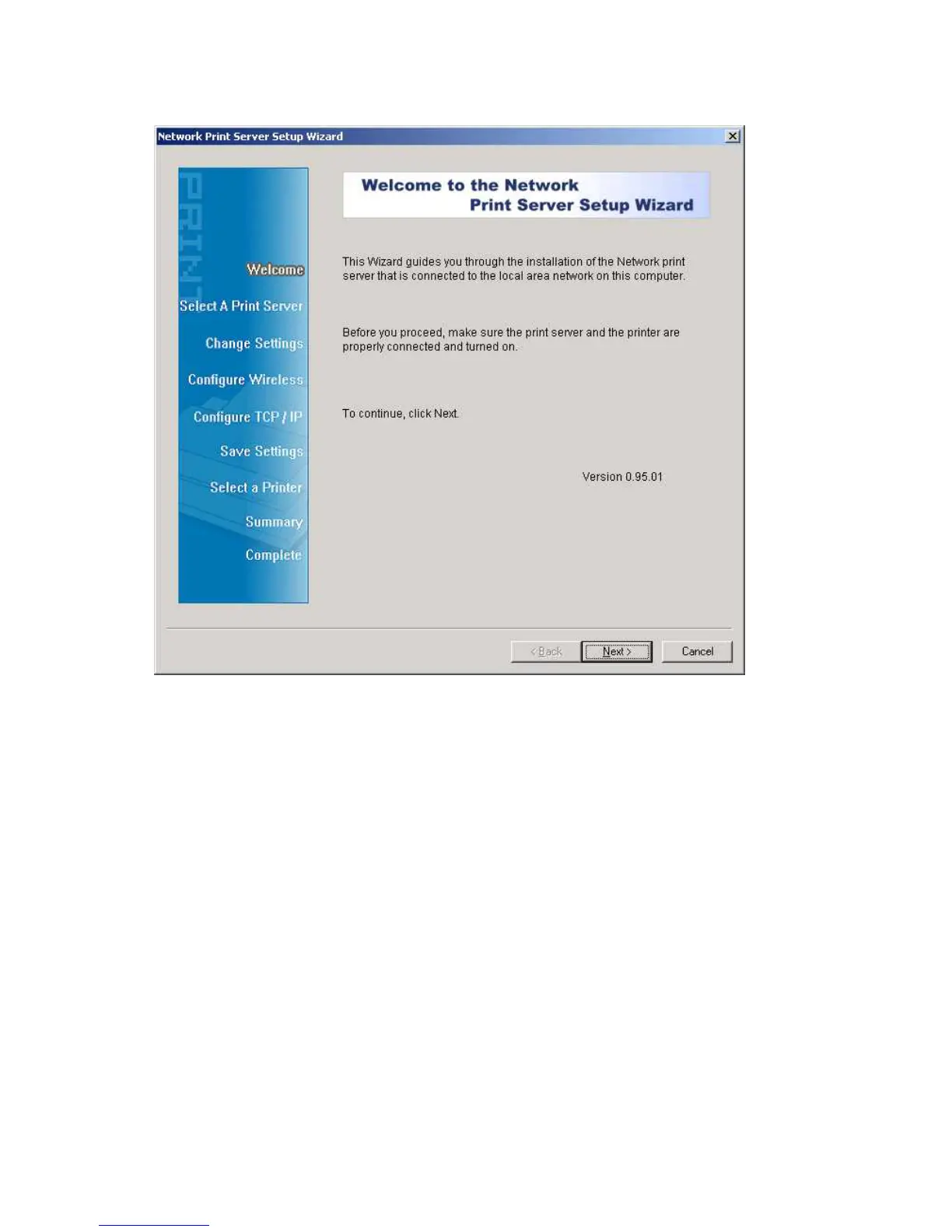
3. Choose Setup Wizard to install the print server and configure the connected printer.
Note:
The setup CD will install the print server’s driver, PSAdmin and Setup Wizard into your
computer. The default installation directory will be C:\Program files\Network Print
Monitor.
4.
Click Next, the wizard will automatically discover the print server.
5. From the Select A Print Sever screen, select the print server that you want to configure
and click Next.



 To Next Page