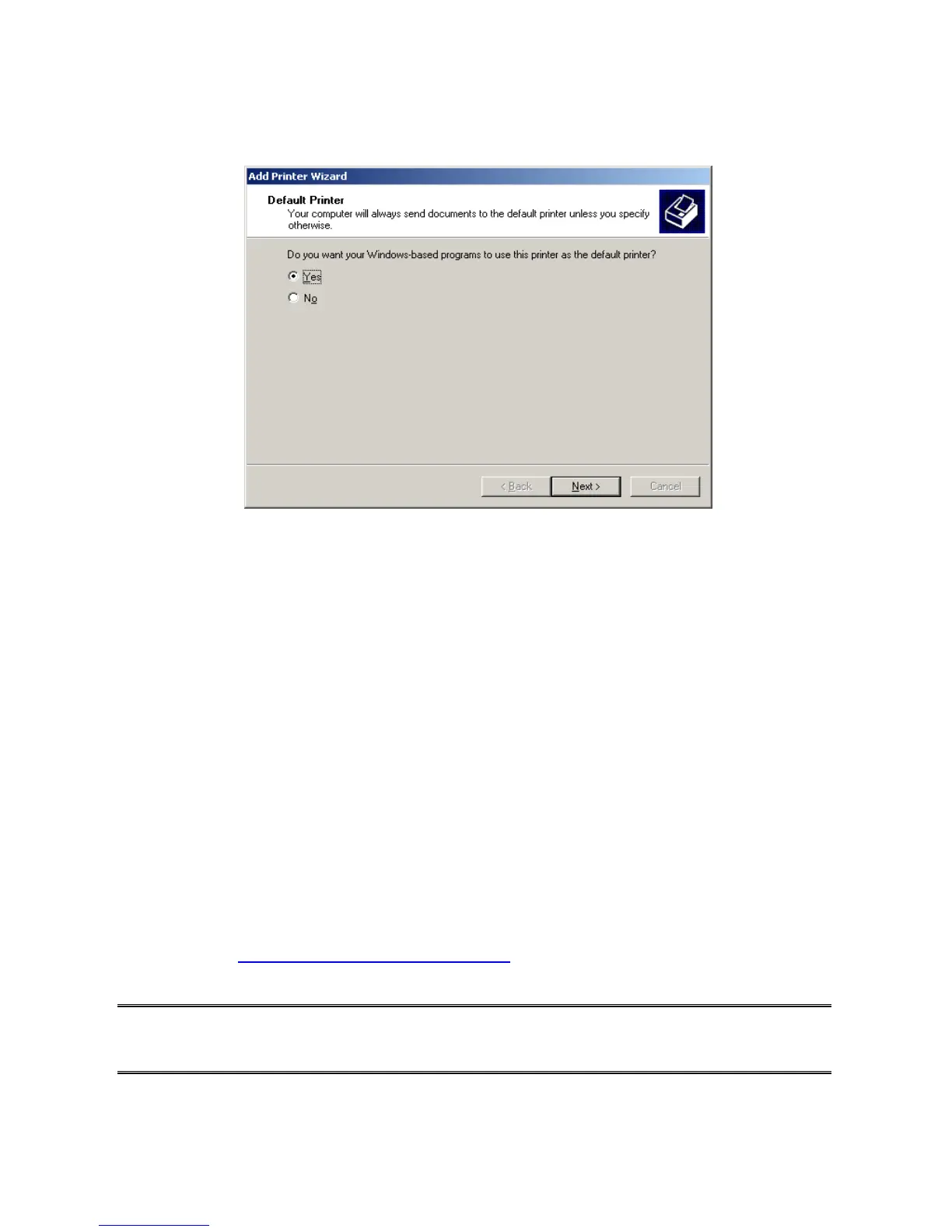
9.If you want your Windows-based programs to use this printer as the default printer, please
select “Yes”, and Click Next. It will appear as follow picture
19. Click Finish button.
20. Done.
HP Web JetAdmin Overview
HP Web JetAdmin allows you to use a Web browse to revise, view, manage and diagnose
devices connected to the print server or any standard printer MIB devices.
For more information about a procedure or Windows in the HP Web JetAdmin software, see
about HP’s relation document.
System Requirements
HP Web JetAdmin software runs on Microsoft Windows NT, HP-UX, Solaris, Red Hat Linux
and SuSE Linux system. For information on supported operating systems and browser
versions, we recommend IE or Netscape version 4 or higher. Please access HP Customer
Care Online at http://www.hp.com/go/webjetadmin.
Note: When installed on a supported host server, HP Web JetAdmin can be accessed from
any client through a supported Web browser by browsing to the HP Web JetAdmin
host.



 To Next Page