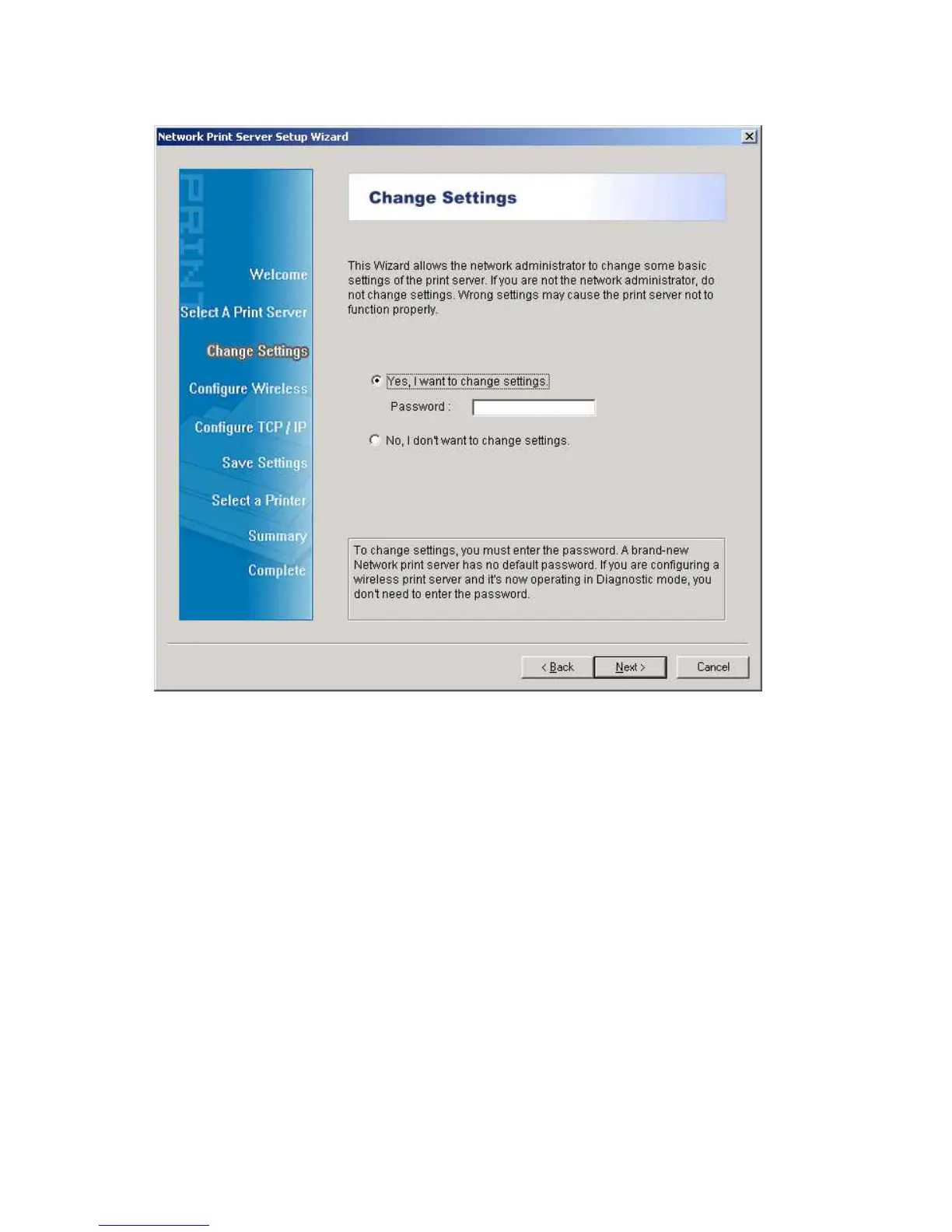
6. On the Change Settings screen, select No or Yes:
Click No if you want the print server to keep using the default IP address and keep the
default settings:
IP address: 192.168.0.10
Subnet Mask: 255.255.255.0
Click Yes if you want change IP address to the print server, and then click Next.
Note:
The IP address of print server must be within the same subnet as your network adapter.
7. In the setup wizard, select an already configured printer from the list, click Next, Next
and then Finish to complete the installation.
or



 To Next Page