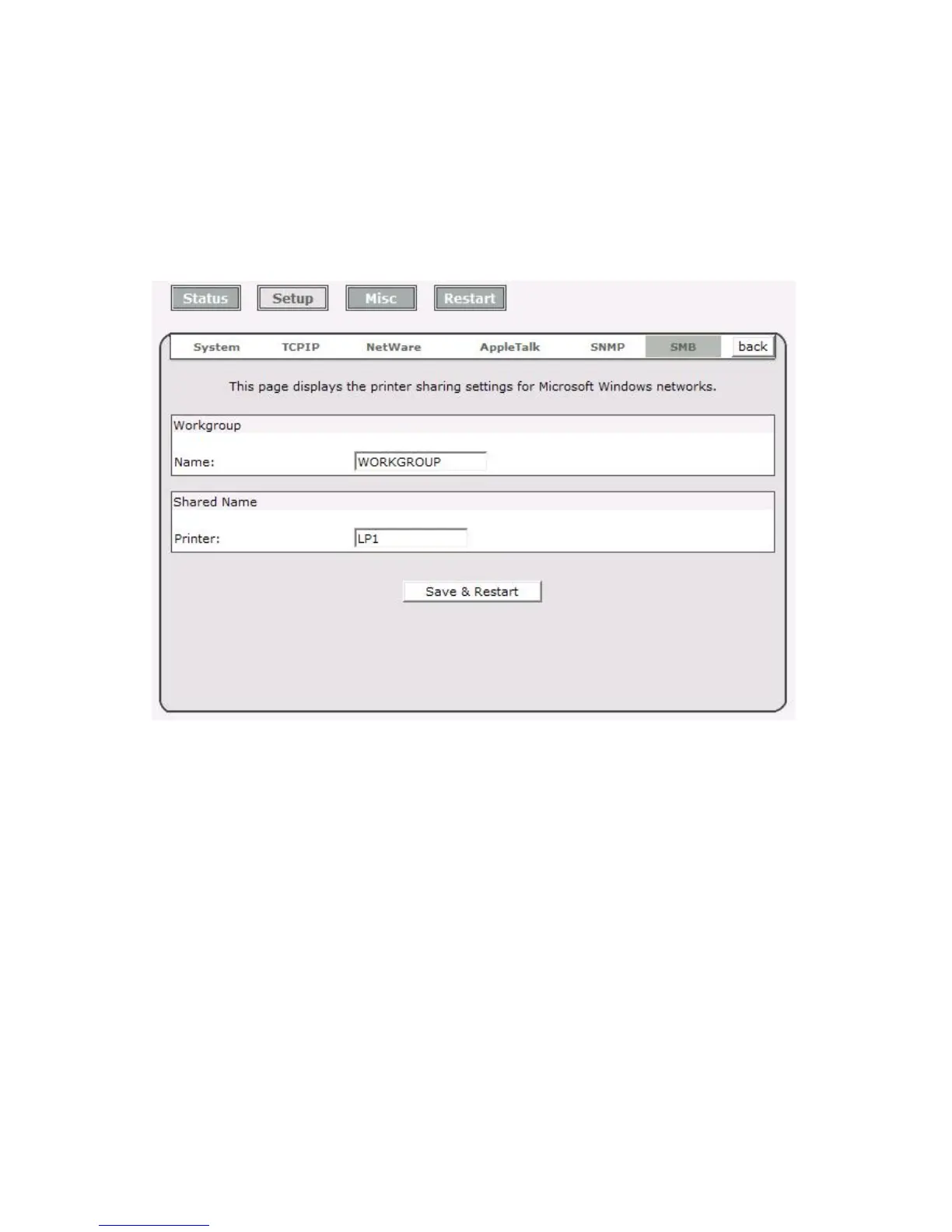
SMB Setup
The print server supports the SMB (Server Message Block) protocol; user can send the print
jobs through Network Neighborhood without installing print server’s driver. The print server
also support the SMB printing on Microsoft Windows Vista/7.
1. Click Setup, it appears the sub-menu.
2. Click SMB, it as shown in the following picture.
3. Workgroup Name: This option allows you to assign a workgroup name to print server on
the Network Neighborhood. Windows uses it to identify the print server on the Network.
4. Shared Name: This option allows you to assign a name to print server’s port.



 To Next Page