7
2.4. DIP-switch
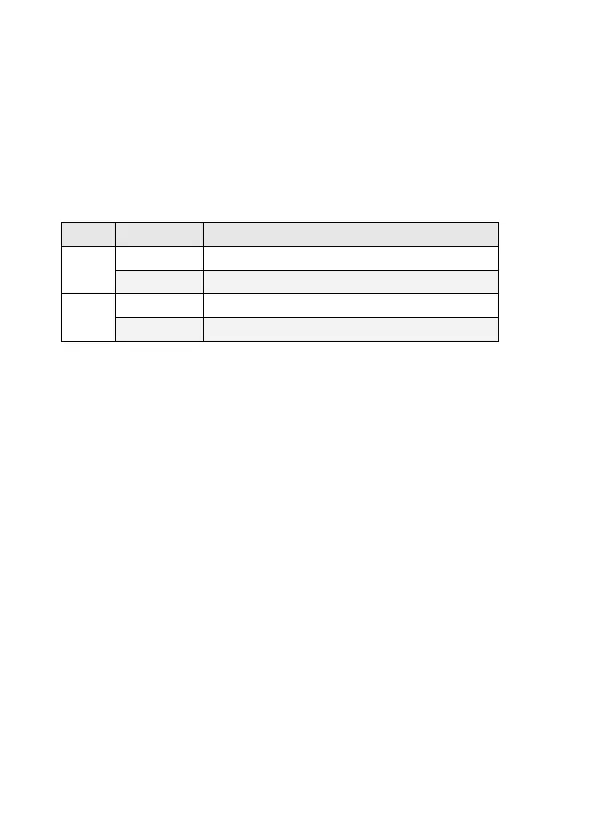
The DIP-switch is used to configure operation mode for LLF (Link
Lost Forwarding) and Flow-Control function for UTP/Fiber port. The
default value of DIP switch is OFF.
Fast Ethernet Module/Gigabit Ethernet Module
Flow-Control function ENABLED
Flow-Control function DISABLED
Link Lost Forwarding:
When LLF is enable, allow UTP link failures to be reported to the
fiber side and also allow Fiber link failure to be reported to the UTP
side. Therefore, A link loss forward feature is provided in both UTP
and Fiber side.
Flow Control Function :
Flow control stops and resumes the transmission of network traffic
between two connected peer nodes on a full-duplex Ethernet
physical link. Controlling the flow by pausing and restarting it
prevents buffers on the nodes from overflowing and dropping
frames.
Note:
Please don’t change the DIP-switch setting when UTP or fiber port is
transmitting or receiving data. It may cause some data error.



 To Next Page